

Duplicate invoice detection is the process of identifying invoices that have already been received, recorded, or paid before they are processed again. Invoscope addresses this by extracting consistent, structured field data from every invoice, giving downstream tools the clean, comparable records they need to flag potential duplicates before any payment runs.
Why Duplicate Invoices Are a Bigger Problem Than They Look
The numbers are deceptively small. Industry research consistently puts the duplicate payment rate somewhere between 0.1 and 0.5 percent of all invoices processed in manual AP environments. Apply that to a business processing 5,000 invoices a month at an average value of $2,000 and the exposure runs from $10,000 to $50,000 monthly. Recovery audits claw some of that back, but audit fees, vendor negotiations, and the staff time involved mean you rarely recover everything.
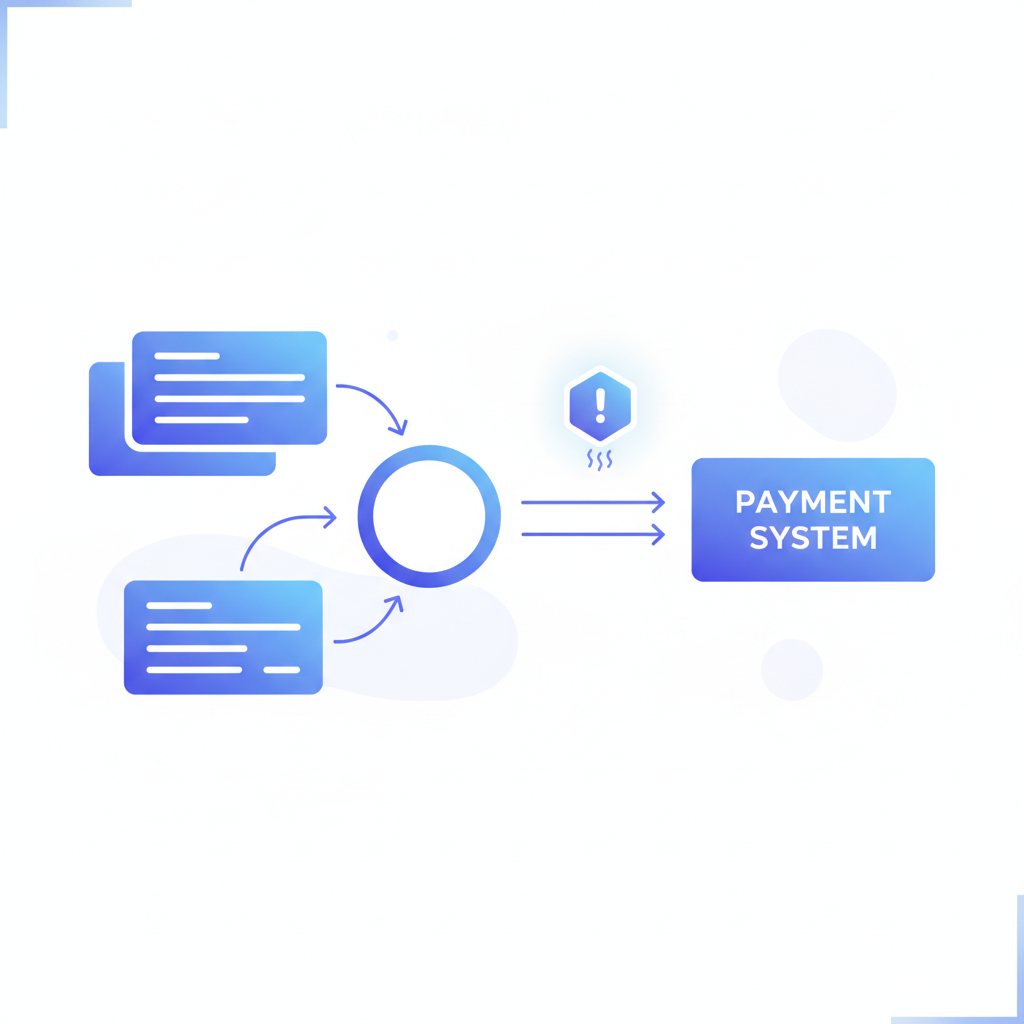
Beyond direct payment losses, duplicates distort cash flow forecasting, inflate expense reports, and create reconciliation headaches that ripple into month-end close. They are also a common vector for vendor fraud, where a supplier submits the same invoice twice under slightly different details hoping one slips through unnoticed.
The Four Ways Duplicate Invoices Actually Enter the System
Understanding the entry points matters because each one demands a slightly different detection approach.
Same Invoice Number, Different Vendor Record
Many small suppliers use simple sequential numbering. Invoice number 1042 from one vendor is entirely unrelated to invoice number 1042 from another. If your AP system deduplicates only on invoice number without also checking the vendor identifier, those two records appear unique when they should each be evaluated independently. The more dangerous version: the same vendor appears under two slightly different names in your system ("Acme Corp" vs "Acme Corporation"), so a true duplicate passes the vendor-plus-invoice-number check because the vendor strings do not match exactly.
Slightly Varied Invoice Dates or Amounts
A supplier re-sends an unpaid invoice and adjusts the date to today, or a data-entry operator types $1,250.00 instead of $1,205.00. Neither variation is large enough to trigger an obvious alert, but both represent a duplicate payment risk. Manual review rarely catches these because reviewers scan for obvious repeats, not near-matches.
Multi-Channel Submission
An invoice arrives by email, then a paper copy follows in the post, and the supplier's portal also auto-submits it. Each copy lands in a different inbox or AP queue. Without a system that compares across channels, all three can enter the workflow independently.
Multi-Entity and Intercompany Submissions
Businesses with multiple legal entities or subsidiaries often share suppliers. A vendor invoices both the parent company and a subsidiary for the same delivery. Neither AP team sees the other's queue, so both process the invoice and both pay. This is one of the hardest duplicate patterns to catch without cross-entity data consolidation.
Why Manual Checks Fail
Most AP teams rely on three manual defenses: a reviewer eyeballing the invoice, a lookup in the ERP by invoice number, and a periodic statement reconciliation with the vendor. All three break down at scale.
| Defense | What It Catches | What It Misses |
|---|---|---|
| Visual review | Obvious identical copies in the same batch | Near-duplicates, different channels, multi-entity |
| ERP invoice number lookup | Exact invoice number match, same vendor string | Vendor name variants, supplier re-numbering, cross-entity |
| Vendor statement reconciliation | Overpayments already made | Duplicates not yet paid, intra-period duplicates |
The root cause of all three failures is the same: manual processes compare unstructured or semi-structured data. When an invoice is a PDF image sitting in a shared inbox, there is no machine-readable field to query. You cannot run a SQL join against a scanned image.
How Structured Extraction Enables Automated Detection
Automated duplicate detection depends entirely on having structured, field-level data for every invoice. The logic itself is straightforward: query a database for records where vendor ID, invoice number, invoice date, and total amount match within defined tolerances. The hard part is getting those fields out of hundreds of different invoice layouts, fonts, and formats reliably enough that the comparison is meaningful.
This is where Invoscope fits. It processes an invoice in roughly 5 seconds and returns a consistent JSON object containing the fields that matter most for deduplication: vendor name, invoice number, invoice date, due date, line items, subtotal, tax, and total. That output is the same structure whether the source was a clean PDF from a large supplier or a scanned handwritten invoice from a small contractor. At 99.2 percent accuracy across a benchmark of 5,000 invoices, the extracted fields are reliable enough to feed automated comparison logic without a manual cleanup pass before each run.
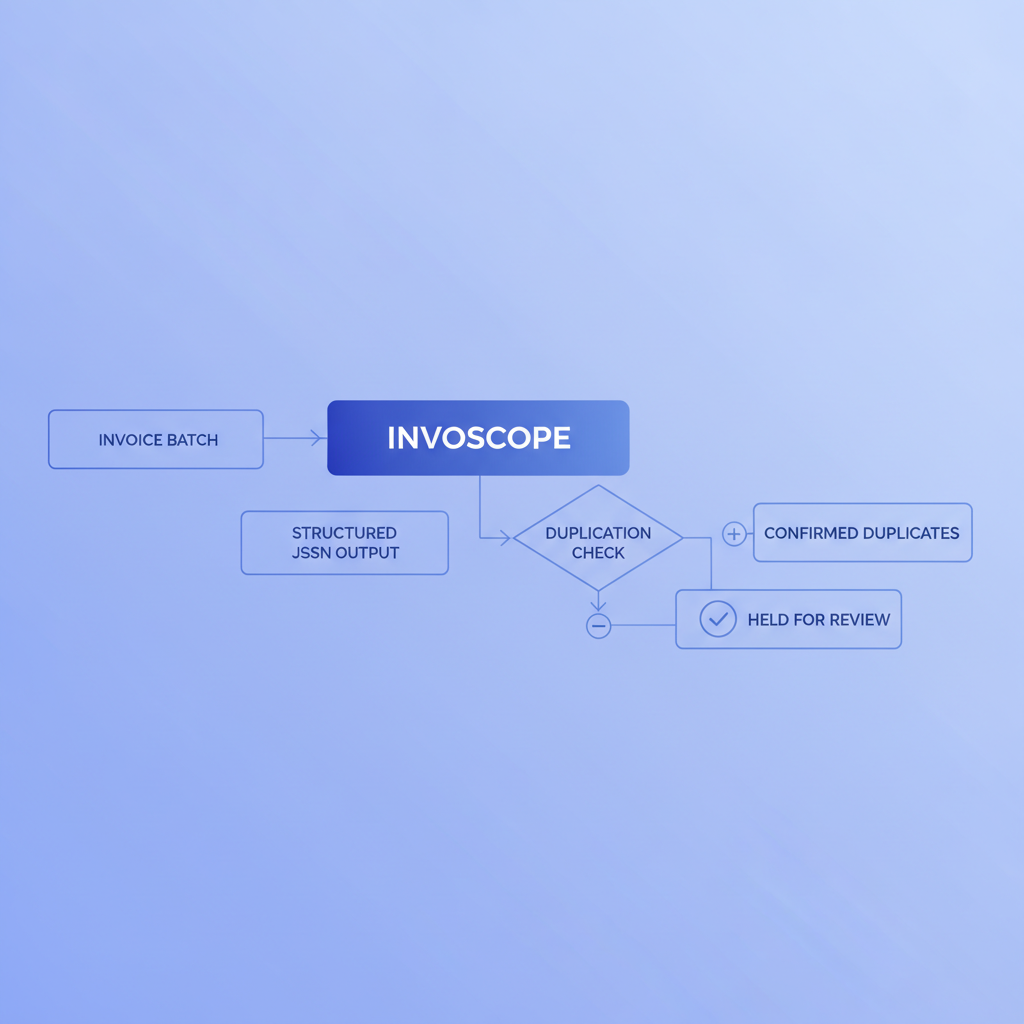
Once every invoice is a structured record, deduplication becomes a standard database operation. You can build it in a spreadsheet for low volumes, run it in your ERP, or pipe Invoscope's JSON output into a workflow tool. The Smart Projects feature is particularly useful here: it processes a whole batch together and returns all records in a single exportable dataset, so you can sort and filter across the entire batch immediately after extraction rather than comparing invoices one by one.
To understand the full context of how structured extraction fits into a broader AP workflow, the automated invoice processing guide covers the end-to-end pipeline in detail.
The Fields That Actually Drive Deduplication Logic
Not all extracted fields carry equal weight in a deduplication check. These are the ones that matter, in rough order of importance:
| Field | Role in Deduplication | Tolerance Notes |
|---|---|---|
| Invoice number | Primary key within a vendor | Exact match; normalize for whitespace and capitalization |
| Vendor name or ID | Scopes the invoice number to one supplier | Fuzzy match recommended; "Acme Corp" vs "Acme Corporation" should resolve to the same entity |
| Invoice total | Secondary confirmation | Exact match within rounding tolerance (plus or minus $0.02) |
| Invoice date | Separates re-issued invoices from true duplicates | Flag if date differs by fewer than 30 days with matching number and total |
| Line item descriptions | Near-duplicate detection when header fields vary | Useful for catching invoices re-submitted with a new number |
| PO number (if present) | Cross-reference to purchasing records | Exact match; ties into 3-way matching workflow |
The invoice number field is covered in depth in this guide to invoice number formats and sequencing, which is worth reading if your suppliers use non-standard numbering schemes that complicate deduplication. And if your AP process already involves purchase orders, the 3-way matching explainer shows how deduplication and PO matching work as complementary controls rather than alternatives.
A Practical Deduplication Workflow Using Invoscope
Here is a straightforward approach that works for teams not running enterprise AP software.
Step 1: Extract All Invoices Into a Single Structured Dataset
Use Smart Projects to upload a batch of invoices at once. Invoscope extracts every invoice in the batch and returns a unified CSV or JSON export. Each row represents one invoice, with all key fields in named columns.
Step 2: Normalize Vendor Names
Before running any comparison, clean the vendor name column. Trim whitespace, standardize capitalization, and manually resolve obvious variants ("Ltd" vs "Limited", punctuation differences). If you use a vendor master list in your accounting system, do a VLOOKUP or fuzzy join to map each extracted vendor name to its canonical ID.
Step 3: Run a Composite Key Check
Concatenate vendor ID and invoice number into a single composite key. Sort the dataset by this key. Any two rows sharing a composite key are candidate duplicates. For spreadsheet users, a COUNTIF on the composite key column flags every row where the key appears more than once.
Step 4: Review Flagged Pairs
For each flagged pair, compare invoice date and total. If both match within tolerance, treat the pair as a confirmed duplicate and hold the second record pending vendor confirmation. If dates differ but amounts match, the supplier may have re-issued a legitimately unpaid invoice, which warrants a payment status check rather than an automatic rejection.
Step 5: Feed Confirmed Duplicates Back Into Your Records
Log each confirmed duplicate with a note in your AP system. Over time, this log helps you identify suppliers who repeatedly re-submit, so you can address the issue directly with them or adjust your approval thresholds.
Where Invoscope Fits and What It Does Not Do
Invoscope is an extraction tool, not an AP workflow platform. It does not send approval reminders, manage payment runs, or maintain a vendor master. What it does is ensure that every invoice, regardless of format or origin, becomes a clean structured record fast enough to feed any downstream process you already have.
The free tier covers 10 invoices per month with no credit card required, so you can test the extraction quality on your own documents before committing. Paid plans start at $9.99 per month. For AP teams processing hundreds of invoices, the Smart Projects batch mode is the right entry point. For one-off checks or low-volume teams, Quick Analyze handles individual invoices in about 5 seconds each.
The extraction accuracy at 99.2 percent matters specifically for deduplication because a single transposed digit in an invoice total or a garbled invoice number produces a false negative. The duplicate slips through because the extracted data looks different even though the original invoice is identical. Higher extraction accuracy means fewer false negatives and a tighter deduplication net.
Frequently Asked Questions
What is the most common cause of duplicate invoice payments in AP?
The most common cause is multi-channel submission: the same invoice arrives by email, post, and supplier portal, and each copy enters a different AP queue without being matched to the others. Vendor name variations that prevent exact-match lookups in ERP systems are a close second.
Can Invoscope detect duplicate invoices on its own?
Invoscope extracts and structures the invoice data needed for deduplication but does not run the duplicate check itself. The structured output from Invoscope feeds your spreadsheet, ERP, or workflow tool where the actual comparison logic runs. Think of it as producing the clean input that makes automated detection reliable.
How does fuzzy matching help with vendor name variants?
Fuzzy matching compares strings by similarity rather than exact character equality, so "Acme Corp" and "Acme Corporation" score as near-identical and resolve to the same vendor record. Without fuzzy matching, those two strings look like different vendors and an invoice number shared between them passes the duplicate check incorrectly. Many spreadsheet environments support fuzzy matching through add-ins; dedicated AP platforms usually include it natively.
What tolerance should I use for invoice dates when flagging near-duplicates?
A 30-day window around the original invoice date is a common starting point. If an invoice with the same vendor, number, and total reappears within 30 days of the original submission date, flag it as a probable duplicate. Invoices with the same number and amount but dates more than 30 days apart are more likely to be legitimate re-issuances after a genuinely unpaid period, and should trigger a payment status check rather than an automatic hold.
Does structured extraction help with multi-entity duplicate detection?
Yes, significantly. When all entities run invoices through the same extraction pipeline, the resulting dataset is in a uniform format that can be queried across entities. Without that common structure, comparing invoices across subsidiaries means reconciling whatever format each entity's AP system uses, which is often incompatible. A shared structured dataset makes cross-entity deduplication a standard query rather than a manual audit project.
Start Extracting Structured Invoice Data
The first step toward automated duplicate detection is getting clean, consistent data out of every invoice you receive. Create a free Invoscope account and process your first 10 invoices at no cost, no credit card needed, to see the structured output your deduplication workflow needs.