

Freelancer invoice data extraction is the process of automatically pulling key fields, like invoice number, date, client name, line items, and totals, from PDF or image invoices into a structured spreadsheet format. Invoscope does this in roughly 5 seconds per invoice, with 99.2% extraction accuracy, and offers a permanent free tier covering 10 invoices per month with no credit card required.
The Real Cost of Re-Typing Invoices by Hand
Most freelancers treat invoice admin as a minor annoyance. It feels quick. Open the PDF, glance at the numbers, type them in. Done in two minutes, right?
Run that math across a month. If you handle 20 client invoices and spend three minutes on each, that is an hour gone every single month. For a consultant billing at $75 per hour, that is $75 in lost earning potential, every month, forever. Over a year it becomes nearly $900 in time you could have spent on billable work or, frankly, anything else.
And that number assumes you never make a typo. One transposition error on a vendor payment or a client reimbursement claim, and the real cost climbs higher with corrections, back-and-forth emails, and a slow drain on your professional credibility.

Why Freelancers Specifically Struggle with Invoice Data
Freelancers receive invoices from a wide range of sources: contractors they sub out to, software subscriptions billed as invoices, coworking space memberships, equipment suppliers, and clients who send purchase orders you need to reconcile. Every sender uses a different template, a different layout, a different font.
Legacy copy-paste approaches fall apart here for a few reasons:
- Scanned PDFs from older vendors are not selectable text, so Ctrl+C does nothing.
- Multi-line item invoices from agencies or SaaS tools require you to capture each row individually.
- Currency formats, date formats, and field labels vary by country and by sender.
- Some invoices arrive as image attachments rather than native PDFs.
The result is that even a technically simple task becomes surprisingly tedious when your client base is diverse. That is exactly the scenario Invoscope was designed for.
How Invoscope Handles Freelancer Invoice Extraction
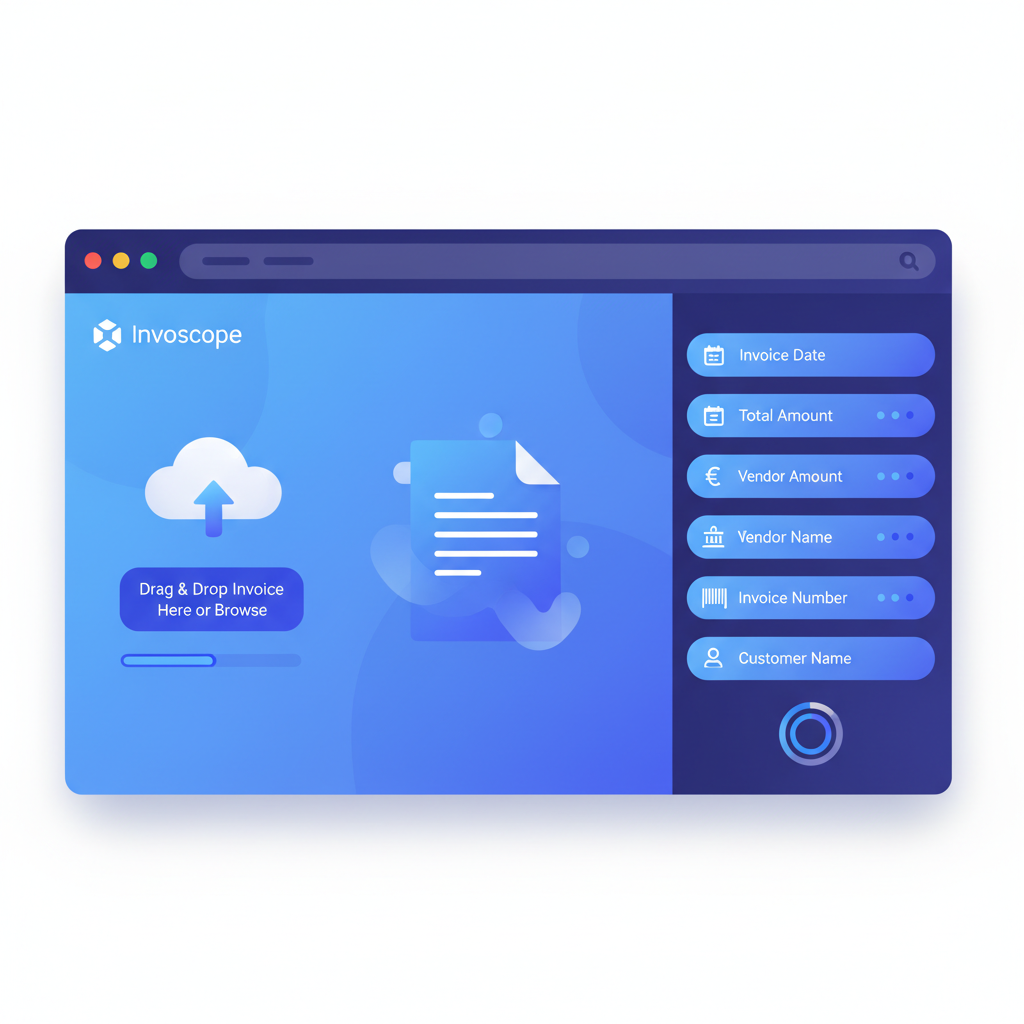
Invoscope uses Google Gemini-powered AI to read any invoice format without requiring templates or manual field mapping. You upload the PDF or image, and the AI identifies and extracts the relevant fields on its own. The whole process takes about 5 seconds per invoice.
For freelancers, the two available modes map neatly to two distinct use cases:
Quick Analyze: For One-Off or Occasional Invoices
Quick Analyze is designed for exactly the kind of sporadic invoice volumes most freelancers deal with. You drop in a single invoice, review the extracted data on-screen, and export it to Excel or CSV. No project setup, no configuration. It is as close to instant as invoice extraction gets.
This is the mode covered in Invoscope's free tier. Ten invoices per month, permanently free, no credit card. For a solo freelancer who processes fewer than ten vendor bills a month, that is the entire workflow at zero cost. You can explore it on the Quick Analyze feature page to see exactly what fields are pulled.
Smart Projects: For Recurring or Batch Invoices
If you manage a small team of subcontractors, run an agency side business, or handle invoices for multiple clients, Smart Projects lets you group invoices into a single project and process them in bulk. All extracted data lands in one clean, exportable spreadsheet. Paid plans start at $9.99 per month, which covers volumes well beyond what most independent freelancers deal with. More detail is available on the Smart Projects feature page.
What Invoscope Extracts (and What It Does Not Do)
It helps to be specific about scope. Invoscope is a data extraction tool, not accounting software or bookkeeping software. It will not send payment reminders, reconcile your bank account, or file your taxes. What it does is take unstructured invoice PDFs and turn them into clean, structured rows and columns you can use in any downstream tool.
| Field Type | Extracted by Invoscope |
|---|---|
| Invoice number | Yes |
| Invoice date and due date | Yes |
| Vendor / supplier name | Yes |
| Line items and descriptions | Yes |
| Unit prices and quantities | Yes |
| Subtotal, tax, and total amounts | Yes |
| Currency | Yes |
| Payment terms | Yes |
| Bank reconciliation | No |
| Tax filing or bookkeeping | No |
| Sending payment reminders | No |
That clean scope is actually a feature for freelancers. You do not pay for a bloated platform full of features you will never touch. You get the extracted data into Excel, and then you use your existing workflow, whether that is a simple spreadsheet tracker, FreshBooks, or a folder full of CSV files sent to your accountant at quarter end.
Comparing Your Current Options
Freelancers typically cycle through a few approaches before landing on something that actually sticks. Here is an honest look at the most common ones:
| Method | Speed | Accuracy | Cost | Works on Scanned PDFs |
|---|---|---|---|---|
| Manual re-typing | 2 to 5 min per invoice | Human error rate | Free (but costs your time) | Yes, but slow |
| Copy-paste from native PDF | 1 to 3 min per invoice | Moderate (formatting breaks) | Free | No |
| Generic OCR tools | Varies | Low to moderate | Free to $15/month | Sometimes |
| Invoscope Quick Analyze | About 5 seconds | 99.2% | Free (10/month) or from $9.99 | Yes |
For a deeper look at how these methods stack up technically, the Invoice Data Extraction: Methods, Tools and Best Practices guide covers the full range including template-based OCR, rules engines, and AI-native approaches.
A Typical Freelancer Workflow with Invoscope
Here is what the process looks like in practice, from inbox to spreadsheet:
- A subcontractor emails you their invoice as a PDF attachment.
- You save or drag the PDF into Invoscope's Quick Analyze upload area.
- In about 5 seconds, the extracted data appears: invoice number, date, line items, totals, vendor name.
- You review the results, correct anything if needed (rarely necessary at 99.2% accuracy), and export to Excel.
- The row drops into your tracking sheet, your accountant's shared folder, or wherever you manage expenses.
No template creation. No field mapping. No waiting. The whole interaction takes less time than finding the invoice in your downloads folder used to.
Common Freelancer Questions About Invoice Data Extraction
Do I need to set up a template for each client or vendor?
No. Invoscope's AI reads the invoice layout and identifies fields without any configuration from you. This is the key difference from older OCR tools that require you to draw zones or define rules per template.
What file formats does it accept?
PDF files, including scanned image PDFs, are fully supported. If you receive invoices as JPEG or PNG images, those work too.
Is the free tier genuinely free, or is it a trial?
It is a permanent free tier. Ten invoices per month with no credit card required and no expiry date. Many freelancers stay on it indefinitely. If your volume grows, paid plans start at $9.99 per month.
What do I do with the extracted data?
Export it to Excel or CSV and use it however you like: paste it into your invoice tracker, hand it to your accountant, import it into FreshBooks or Wave, or run your own analysis. Invoscope hands you clean data. What you do with it is entirely up to you.
When to Move Beyond Quick Analyze
If you are consistently hitting the 10-invoice free limit, or if you are processing batches of invoices from multiple subcontractors on a regular project, Smart Projects at $9.99 per month is worth considering. You can read more about the difference between the two modes on the features page, or see how batch processing works for higher-volume needs in the batch invoice processing guide.
For context, most freelancers who invoice and receive fewer than 30 to 40 documents per month find the lowest paid tier covers everything they need.
The Bottom Line for Freelancers
Re-typing invoice data is one of those tasks that feels harmless until you total up the hours. At 5 seconds per extraction and 99.2% accuracy, Invoscope removes the task almost entirely. The free tier means you can verify this yourself without spending anything or handing over a credit card number.
You have enough administrative overhead running a freelance business. Invoice re-entry does not have to be part of it.
Create your free Invoscope account and extract your first invoice in under a minute.
Related reading: Invoice Processing for Accounting Firms: How to Handle Client Invoice Volumes
Related reading: Invoice Automation for Logistics Companies: Carrier Invoice Processing with Invoscope