
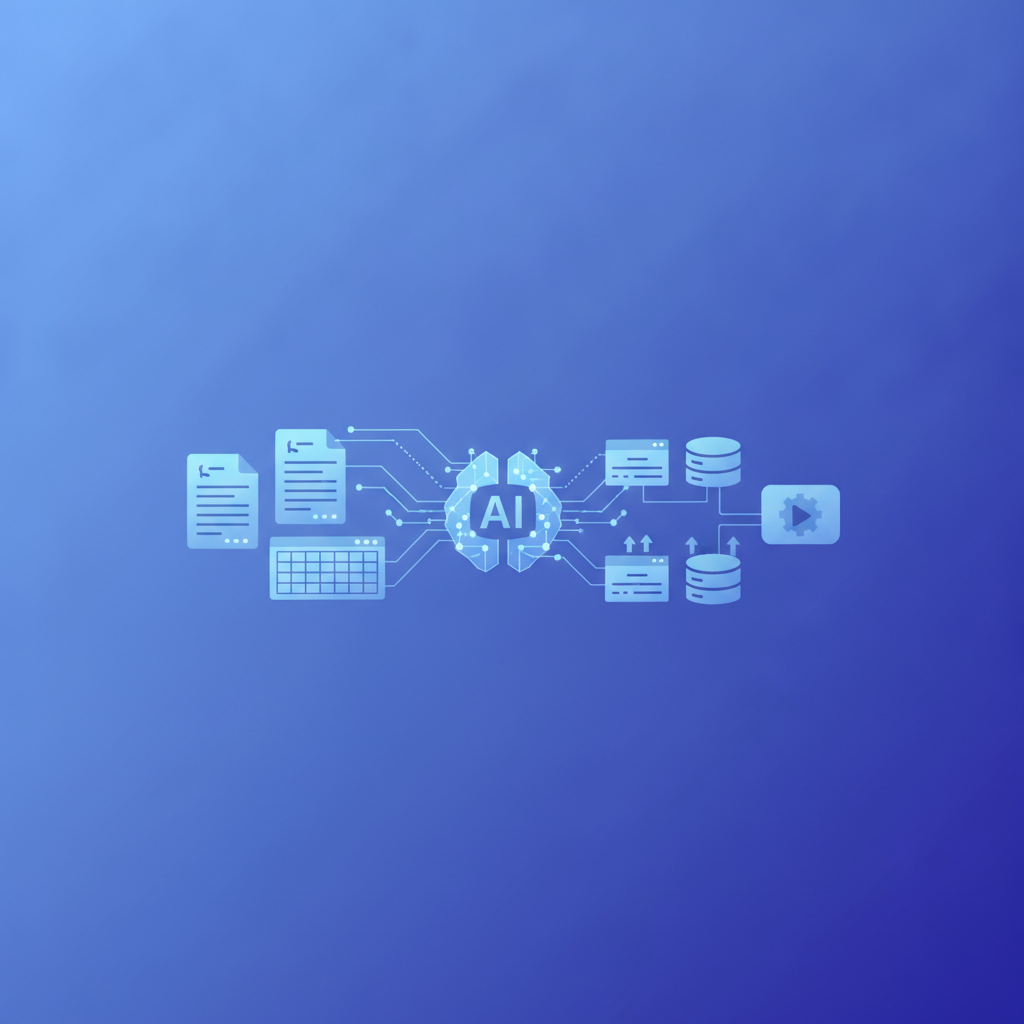
AI invoice processing is the use of artificial intelligence, typically a multimodal language model, to read invoices, understand their layout, and turn them into structured data (vendor, invoice number, dates, line items, tax, and totals) without manual entry and without a template for each vendor. Invoscope uses this approach, powered by Google Gemini, to process any PDF or scanned invoice in about 5 seconds with 99.2% extraction accuracy.
The key difference from older tools is that AI invoice processing is no-template: the model identifies fields by meaning and context instead of by fixed positions on the page. This article explains how that works, step by step, where it still struggles, and how it compares with template-based OCR.
How AI Invoice Processing Works: The Short Version
- Read the document. The AI takes the PDF, scan, or photo as an image plus any embedded text, so layout and wording are both available.
- Understand the layout. It recognizes the header, vendor block, line-item table, and totals section by meaning, in any position and in most languages.
- Extract the fields. Each value is mapped to a fixed schema: invoice number, vendor, issue and due dates, currency, subtotal, tax, total, and every line item row.
- Validate. Totals are cross-checked against line items, dates and currencies are normalized, and uncertain fields are flagged for review.
- Export. The result goes out as Excel, CSV, or JSON, or straight into accounting tools through an API or Zapier.
AI invoice processing is the extraction engine inside a wider automated invoice processing workflow. If you are comparing vendors rather than learning how the technology works, see our roundup of the best AI invoice processing software.
The Template Problem That Older Tools Never Solved
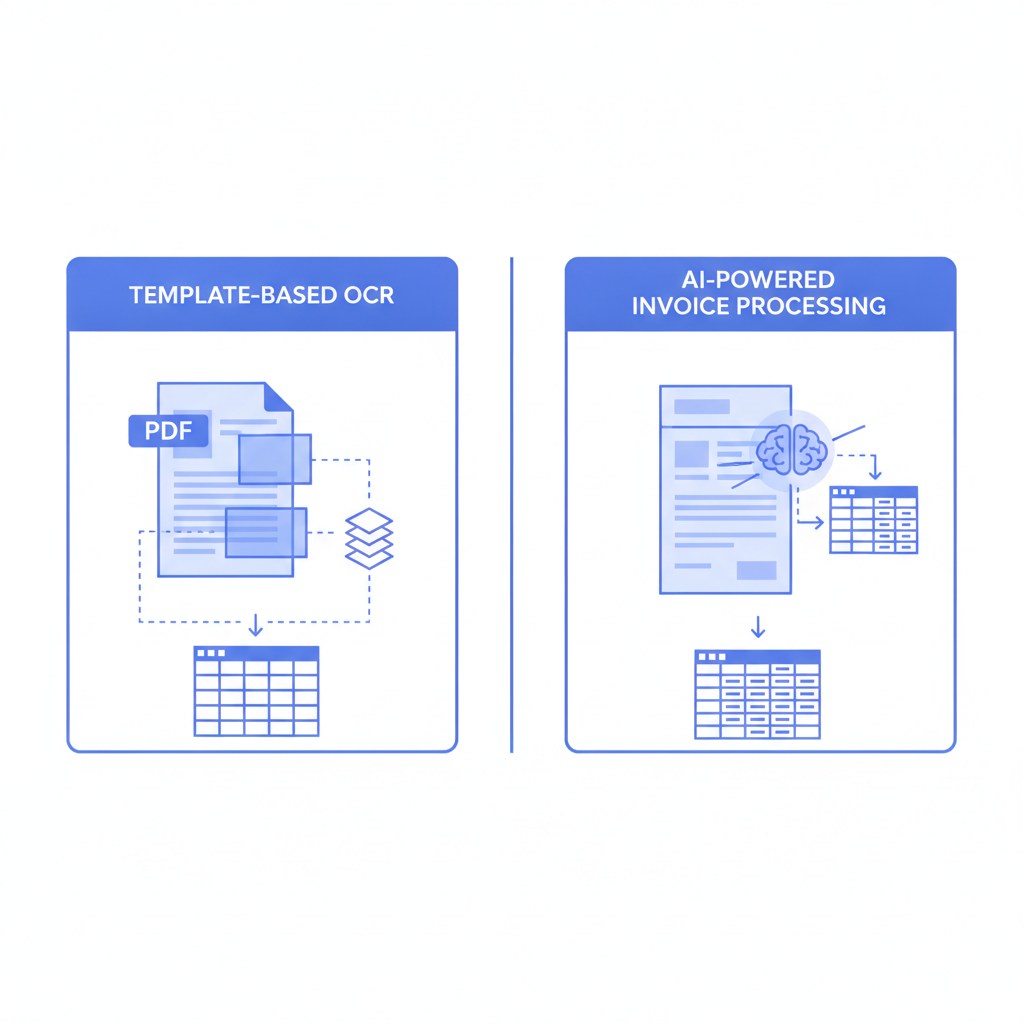
Traditional invoice parsers, including tools built on rule-based OCR engines, require you to draw zones on a sample document and tell the software exactly where each field lives. That works fine if every invoice from a given vendor looks identical. The real world is messier.
Vendors change their billing systems. Freelancers send PDFs generated by a dozen different tools. International suppliers use date formats, currency symbols, and column orders that differ from your domestic ones. Every new layout means a new template, and every template needs maintenance when the layout shifts even slightly.
The practical cost is real. Finance teams at growing companies report spending hours each week managing template libraries rather than doing actual analysis. If you want a fuller picture of what that manual overhead costs over time, the Real Cost of Manual Invoice Processing article breaks it down with 2026 data.
What "No-Template" Actually Means Technically
When people ask how AI invoice extraction works without templates, they are really asking about two things: how the AI understands document structure, and how it maps what it finds to a consistent output schema.
Document Understanding vs. Zone Detection
Rule-based OCR converts an image to text and then uses coordinates or keyword anchors to locate data. If the vendor moves "Invoice #" from the top-right corner to a header table, the coordinate-based rule breaks and the extraction fails silently or returns nothing.
A large multimodal language model like Google Gemini approaches the same document the way a trained human would. It reads the semantic meaning of the layout. It knows that a number following the phrase "Invoice Number" or "Ref:" or "Factura No." is the invoice identifier, regardless of where on the page that phrase appears or what language it is written in. The model has seen millions of document layouts during pre-training, so it generalises rather than pattern-matches.
Structured Output Without a Schema You Have to Define
After understanding the document, the model maps extracted values to a fixed output schema: invoice number, vendor name, issue date, due date, subtotal, tax, total, currency, and line items including description, quantity, unit price, and amount. You never have to define that schema yourself. Invoscope handles it, and the result drops straight into a clean Excel or CSV file you can use immediately.
How Invoscope Processes an Invoice Step by Step
The workflow has two modes. Quick Analyze is designed for single invoices or small batches when you need results immediately. Smart Projects is for recurring workflows where you process invoices from the same clients or suppliers regularly and want results grouped and exportable in bulk. Both modes share the same underlying AI pipeline.
Step 1: Upload
You upload a PDF (scanned or native) directly through the browser. No plugin, no desktop software, no email forwarding address to configure. The file transfers over an encrypted connection.
Step 2: Gemini Analysis
Invoscope sends the document to the Google Gemini API with a carefully engineered prompt that instructs the model to extract all standard invoice fields, handle multi-page documents, and capture every line item row in the invoice table. This step takes roughly 5 seconds for a typical single-page invoice. A dense multi-page invoice with 40 or 50 line items takes a bit longer, but rarely more than 15 to 20 seconds.
Step 3: Validation and Structuring
The raw model output passes through a validation layer that checks for numeric consistency (does the sum of line items match the stated subtotal?), normalises date formats, and flags confidence issues for human review. This is part of why the platform reaches 99.2% accuracy rather than relying on raw model output alone.
Step 4: Export
The structured data is available as Excel, CSV, or JSON. You download it once or connect it to your workflow via the API or a Zapier integration. Nothing is locked inside a proprietary database you cannot get out of.
AI Invoice Processing vs. Template-Based OCR: A Direct Comparison
| Factor | Template-Based OCR | No-Template AI (Invoscope) |
|---|---|---|
| Setup time per new vendor | 30 to 90 minutes per template | Zero, works on first upload |
| Handles layout changes | Fails, requires template update | Adapts automatically |
| Multi-language invoices | Requires separate template per language | Handled natively by the model |
| Line item tables | Fragile, breaks with column shifts | Extracted with full row context |
| Accuracy on diverse vendor set | High for known templates, low for new ones | 99.2% across diverse invoice types |
| Maintenance burden | Ongoing, grows with vendor count | None for the user |
| Starting price | Typically $30 to $100+/month for SMB plans | Free tier (10 invoices/month), paid from $9.99/month |
If you want to see how Invoscope compares to a specific template-based competitor, the Invoscope vs. Docparser page covers that in detail, including template setup overhead and pricing differences.
Why Accuracy Holds Across Diverse Formats
One concern people raise when they first hear "no templates" is whether accuracy suffers when the AI encounters an unusual layout. The short answer is that it does not, because the model's generalisation is exactly what makes it accurate on unusual layouts. A template-based system is most accurate on the specific document it was trained on and degrades with every deviation. An AI model is most accurate on documents that look like something it has seen in a related form before, which describes almost every invoice on the planet.
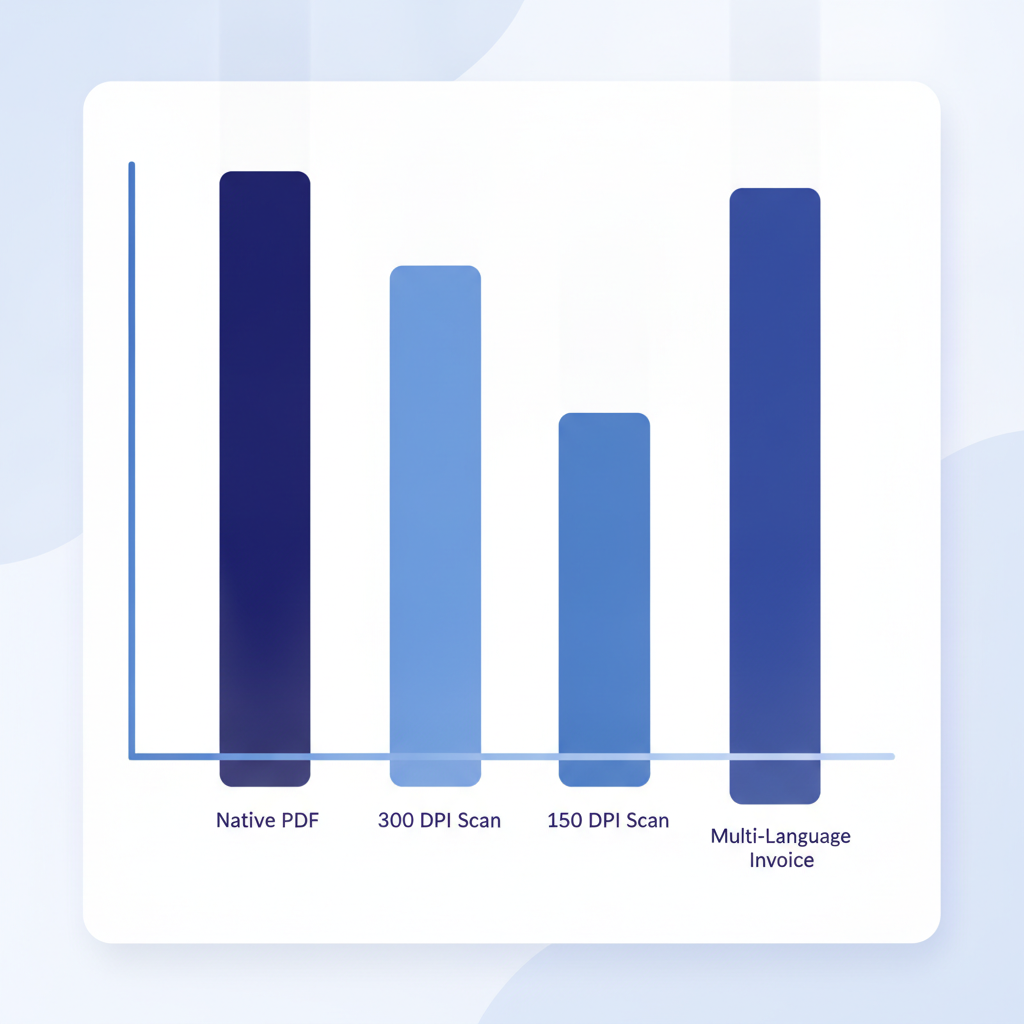
Invoscope publishes its benchmark results openly at /accuracy-benchmark so you can see the methodology rather than take that 99.2% figure on faith. The benchmark covers native PDFs, scanned documents at various DPI levels, multi-page invoices, and invoices with non-English text.
Where AI Extraction Can Still Struggle
No extraction method is perfect. Very low-quality scans (below 150 DPI with heavy distortion) reduce accuracy for any AI system. Handwritten invoices are a harder problem and Invoscope is transparent that handwritten documents are outside the primary use case. If your invoices are consistently machine-generated PDFs or decent-quality scans, you are firmly in the zone where 99.2% accuracy holds.
The Two Invoscope Modes and When to Use Each
Understanding the no-template approach is useful, but knowing which product mode to use for your situation is equally practical.
Quick Analyze
Quick Analyze is best when you have a handful of invoices and want structured data right now. Upload one or several PDFs, get your Excel file in seconds, and move on. There is no project to configure, no naming convention to set up. It is the fastest path from PDF to spreadsheet the platform offers.
Smart Projects
Smart Projects suits teams that process invoices from recurring vendors on a weekly or monthly cycle. You group invoices into a named project, run extraction across the whole batch, and export a single consolidated file. The project history stays in your account so you can reference previous runs without re-uploading documents. The batch processing guide walks through the full workflow if you want a step-by-step walkthrough.
How This Fits Into the Broader Extraction Landscape
No-template AI extraction is one of several methods available for getting data out of invoices, but it is the one that scales most gracefully for businesses with diverse supplier bases. The Invoice Data Extraction: Methods, Tools and Best Practices for 2026 pillar covers all the major approaches side by side, including manual entry, basic OCR, template parsers, and AI-native tools, so you can put this article in context and make a fully informed decision.
Benefits of AI Invoice Processing
- No setup per vendor: new suppliers work on the first upload, with no templates to build or maintain.
- Line items included: full tables are extracted row by row, not just header fields.
- Speed: about 5 seconds per invoice, compared with 5 to 15 minutes of manual entry.
- Accuracy that holds up: 99.2% on Invoscope's published benchmark, including scans and non-English invoices.
- Lower cost: manual processing runs $12–$15 per invoice; AI processing costs cents.
Frequently Asked Questions About AI Invoice Processing
What is AI invoice processing?
AI invoice processing uses artificial intelligence to read invoices and convert them into structured data such as vendor, invoice number, dates, line items, tax, and totals. Unlike template-based OCR, it understands the meaning of each part of the document, so it works on any invoice layout without per-vendor setup.
How accurate is AI invoice processing?
Modern AI invoice processing tools reach around 99% field-level accuracy on machine-generated PDFs and good-quality scans. Invoscope measures 99.2% on its public benchmark. Accuracy drops on very low-quality scans (below 150 DPI) and on handwritten invoices, which is why a validation and review step is still useful.
Is AI invoice processing better than OCR?
For most businesses, yes. Plain OCR only converts the image to text, and template-based OCR needs a template for every vendor layout that breaks when the layout changes. AI invoice processing reads the document by context, handles new layouts and languages automatically, and extracts full line-item tables, which is where OCR tools fail most often.
Can AI process invoices in other languages?
Yes. Because the model recognizes fields by meaning rather than by matching English labels, it handles invoices in most major languages, different date formats, and different currency notations without separate templates.
How much does AI invoice processing cost?
Pricing models vary: per invoice, per page, credit bundles, or a flat monthly subscription. Invoscope has a free tier of 10 invoices per month and paid plans from $9.99 per month. See our invoice data extraction pricing guide for a full comparison.
Getting Started Without a Credit Card
Invoscope's free tier gives you 10 invoices per month at no cost and with no credit card required. That is enough to test the no-template approach against your own real invoice layouts before committing to a paid plan. Paid plans start at $9.99 per month for higher volumes.
The fastest way to see whether no-template AI extraction handles your specific invoice formats is to upload one and watch it work. Create your free Invoscope account and run your first extraction in about a minute.
Related reading: What Is Invoice OCR and How Does It Work in 2026
Related reading: Receipt Data Extraction: Can Invoscope Handle Receipts as Well as Invoices?