
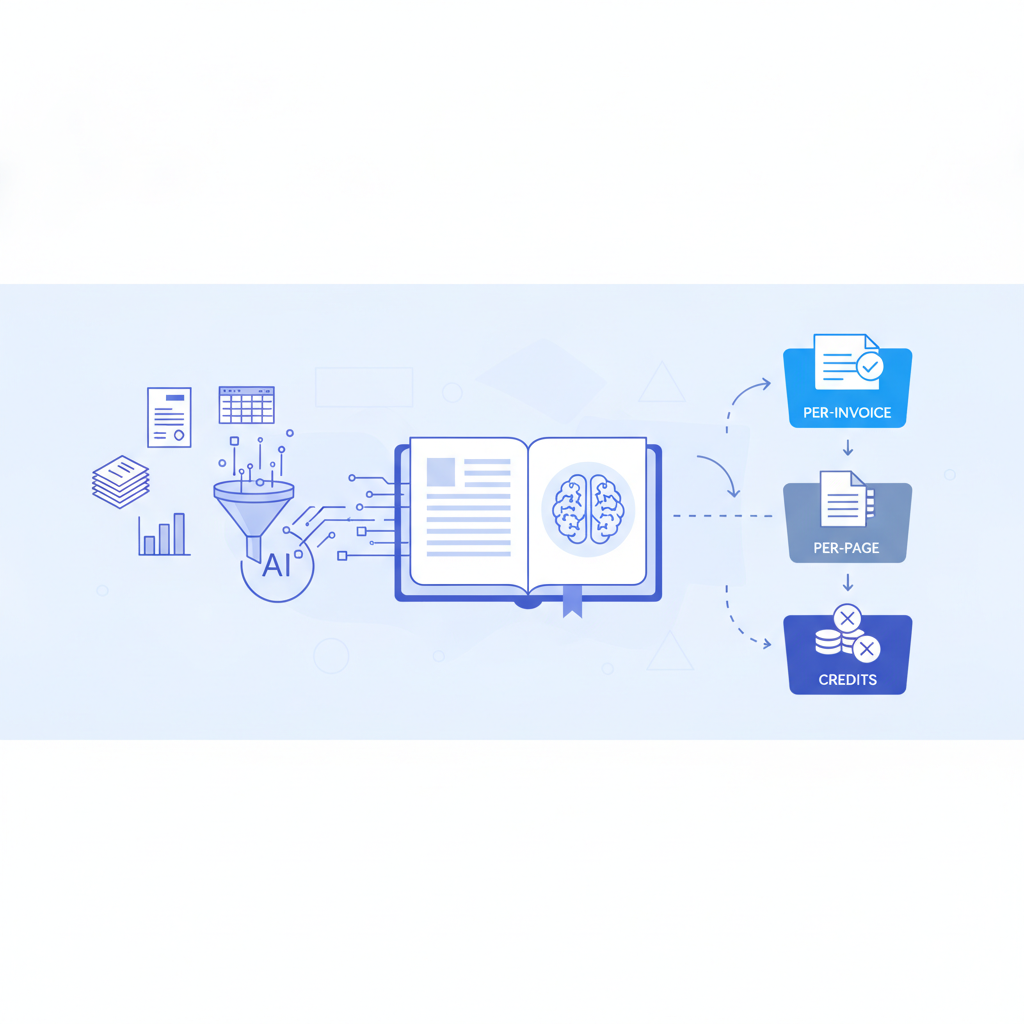
Invoice OCR pricing falls into four main structures: credit blocks, per-page billing, usage cliffs, and flat monthly subscriptions. Invoscope uses flat monthly pricing starting at $9.99, with a permanent free tier of 10 invoices per month and no credit card required, making total cost predictable regardless of how many pages each invoice contains. The other five tools covered below use models that can look affordable at first glance but often cost significantly more once you account for multi-page invoices, credit top-ups, or sudden volume spikes.
Why the Pricing Model Matters as Much as the Price
Most teams compare tools by headline numbers: plan X costs $Y per month. The number that actually hits your bank account depends on the unit the vendor charges for. A two-page invoice costs the same as a ten-page invoice under a per-invoice model. Under a per-page model, that same ten-page invoice costs five times more. At even modest volumes, that gap becomes the dominant line in your software budget.
There are three risk factors to watch for when evaluating any invoice OCR pricing page:
- Unit mismatch: You think in invoices; the vendor bills in pages or API calls.
- Credit expiry: Prepaid credits that expire force you to overbuy or lose money.
- Cliff pricing: A plan that covers, say, 100 invoices per month charges you the full next tier the moment you hit invoice 101, even if you only needed 105.
Understanding these three risks is the fastest way to sanity-check any vendor's pricing before you sign up. For a broader look at how extraction costs affect your AP budget overall, see the invoice OCR pricing and cost-per-invoice guide.
The Six Pricing Models Side by Side
The table below uses each vendor's publicly stated pricing as of mid-2026. Where a vendor offers multiple tiers, the entry-level paid plan is shown. Free tiers and trial limits are noted separately.
| Tool | Pricing Model | Entry Paid Plan | Free Tier | Key Risk |
|---|---|---|---|---|
| Invoscope | Flat monthly, per-invoice | From $9.99/month | 10 invoices/month, no credit card | None significant; cost scales linearly with plan tier |
| Nanonets | Credit blocks (consumed per page or per field) | Credits purchased in blocks; starter plans around $49/month for limited pages | Limited trial pages, credit card required for most access | Credits deplete faster than expected on multi-page invoices; top-up costs stack |
| Docparser | Per-document credits within monthly plans | Around $39/month for 100 documents | Free plan with a small credit allowance | Template setup required per document type; extra credits billed on top |
| Parseur | Per-page credits within monthly plans | Around $39/month for a set page credit limit | Free plan with low page cap | A five-page invoice burns five credits; volume estimates based on invoice count are unreliable |
| Veryfi | Flat monthly up to a document count, then cliff to next tier | Approximately $500/month for business tier | Developer sandbox, limited documents | Cliff pricing: exceeding the tier limit jumps cost dramatically; higher-tier pricing not publicly listed |
| Mindee | Per-page API calls; pay-as-you-go or prepaid | Free up to 250 pages/month, then approximately $0.10 per page | 250 pages/month (shared across document types) | Developer-centric; no native spreadsheet export; per-page cost compounds on longer invoices |
A Closer Look at Each Model
Nanonets: Credit Blocks
Nanonets charges in credits, and each credit maps to a unit of processing, usually a page or a set of extracted fields. For invoice use cases, a credit block sounds simple until you realize that a ten-page purchase order with line items can consume credits faster than a single-page vendor bill. Teams that start with 500 credits expecting to cover 500 invoices routinely find those credits gone in 200 to 300 invoices once average page counts are factored in. There is also a template-training element for some document types, which adds setup time before you can extract anything. You can compare Invoscope and Nanonets directly on the Invoscope vs Nanonets page.
Docparser: Per-Document Credits with Templates
Docparser's pricing is tied to documents, which is closer to per-invoice than per-page, so the unit mismatch risk is lower. The bigger issue is that Docparser requires you to build and maintain parsing rules (templates) for each invoice layout you want to extract. If you receive invoices from twenty different suppliers, you need twenty templates. That setup time has a real cost, even if it does not appear on the pricing page. Plans around $39/month for 100 documents look reasonable for low volumes, but once you factor in template maintenance and the occasional extra credit purchase, the effective cost rises.
Parseur: Per-Page Credits
Parseur bills by page, which is the clearest example of the unit mismatch problem. A team processing 300 invoices per month might assume 300 credits will cover them. If the average invoice is three pages, actual consumption is 900 credits. Parseur also uses a template-based parser for structured documents, so you face both the per-page cost risk and the template-maintenance overhead. Entry plans are priced similarly to Docparser, but the page-based unit means the real cost per invoice is harder to predict until you know your average invoice length.
Veryfi: Flat Until the Cliff
Veryfi's approach is flat monthly pricing within a tier, which sounds similar to Invoscope. The critical difference is what happens when you exceed your tier. Veryfi's paid plans carry document limits, and crossing the limit triggers the next tier at a significantly higher price. For a team whose volume fluctuates month to month, that jump can arrive unexpectedly. Pricing for higher tiers is not listed publicly; you need to contact sales, which makes budgeting difficult for finance teams that need fixed forecasts. Entry-level plans start well above the SMB range.
Mindee: Per-Page API Pricing
Mindee's pricing is developer-friendly: a generous free tier of 250 pages per month and then approximately $0.10 per page beyond that. For a software team building a custom invoice pipeline, that flexibility is useful. For a finance or AP team that wants to upload invoices and download Excel files, the per-page cost compounds quickly on longer documents, and Mindee does not natively produce a spreadsheet export without additional development work. At 200 invoices averaging three pages each, you are looking at 600 pages, which puts you at around $35/month in pure API costs before any development or infrastructure overhead.
Invoscope: Flat Monthly Per-Invoice
Invoscope charges per invoice, not per page. A ten-page invoice costs the same as a one-page invoice. Plans start at $9.99/month, and the permanent free tier covers 10 invoices per month with no credit card required. There are no credit blocks to top up, no templates to build, and no cliff that doubles your bill because you processed eleven more invoices than your plan allows. Each invoice is processed in about 5 seconds with 99.2% field accuracy, and the output downloads directly to Excel. For teams that want a predictable line item in their software budget, this structure is straightforward to model.
Per-Invoice vs Per-Page: The Math at Real Volumes
The following table models cost at three common volume levels, using a realistic average invoice length of three pages. Mindee figures use their public $0.10 per page rate. Nanonets and Parseur figures are estimates based on their stated credit costs and typical page consumption rates. Docparser uses its per-document rate. Veryfi is excluded from this table because its higher-tier pricing is not publicly listed.
| Monthly Invoice Volume | Invoscope (per-invoice flat) | Mindee (per-page ~$0.10) | Parseur (per-page credits, estimated) | Nanonets (credit blocks, estimated) | Docparser (per-document) |
|---|---|---|---|---|---|
| 50 invoices | ~$9.99 | ~$15 (150 pages) | ~$20-$30 (150 pages) | ~$25-$40 (credit block) | ~$39 (100 doc plan, some headroom) |
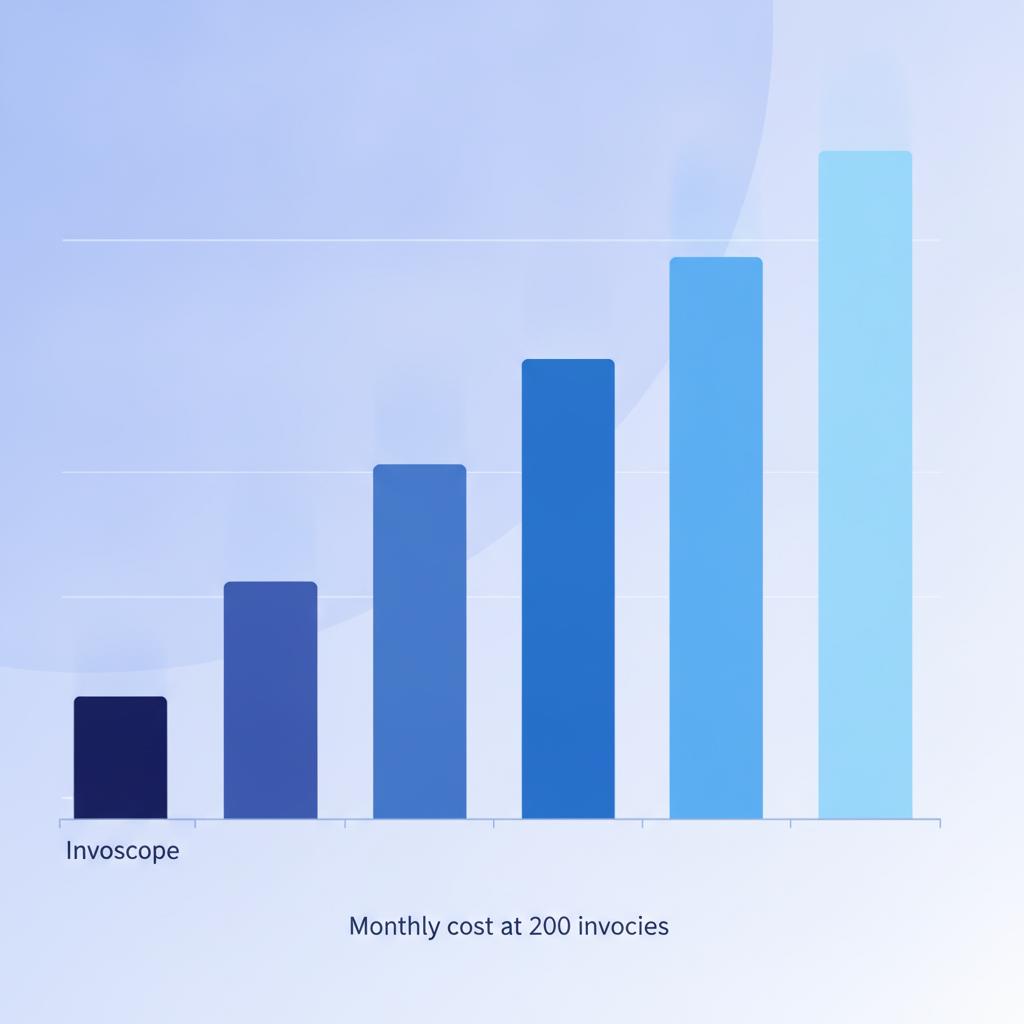
| 200 invoices | ~$19.99-$29.99 | ~$60 (600 pages) | ~$50-$80 (600 pages) | ~$60-$90 (multiple credit blocks) | ~$69-$89 (next plan tier) |
| 500 invoices | ~$49.99 | ~$150 (1,500 pages) | ~$120-$160 (1,500 pages) | ~$120-$200 (multiple blocks) | ~$99-$149 (higher tier) |
The gap widens at higher volumes. At 500 invoices per month, per-page tools cost two to three times more than Invoscope's flat rate, assuming a modest three-page average. If your invoices average five or six pages, the gap is even larger.
Hidden Costs That Pricing Pages Do Not Show
Raw plan prices are only part of the story. The following factors add real cost that does not appear in a vendor's pricing table:
- Template setup and maintenance: Docparser and Parseur require template rules for each invoice layout. If you onboard a new supplier or a supplier changes their invoice format, someone has to update the template. That is internal labor time, billed at your team's hourly rate.
- Credit top-ups: When a credit block runs out mid-month, you buy another block at the same per-unit rate. This is predictable in theory but creates a variable monthly bill in practice.
- Export friction: Tools that do not produce a native Excel download require additional steps: CSV manipulation, copy-paste, or a middleware integration. That time has a cost. For context on what manual steps cost in the aggregate, the real cost of manual invoice processing analysis puts average manual entry at $8 to $12 per invoice.
- API development overhead: Mindee and Nanonets are primarily API products. Getting structured data into a spreadsheet without a developer requires integrations or third-party automation tools, which add subscription cost and setup time.
Which Pricing Model Fits Which Team
No pricing structure is universally wrong. The right choice depends on your team's profile:
- Developers building custom pipelines: Mindee's per-page API is well-documented and flexible. If you need raw OCR output piped into a custom database, the per-page model gives you granular control. Cost predictability is lower, but control is higher.
- Teams with very low, consistent volume and stable invoice layouts: Docparser and Parseur can work if your invoice layouts are fixed and your volume is well below your plan's credit limit. The template setup cost is a one-time investment in that scenario.
- Finance and AP teams that want predictable costs and no code: Invoscope's flat per-invoice model is designed for this. You upload invoices, you get Excel output in about 5 seconds, and your bill is the same whether your invoices are one page or fifteen. The features overview covers both Quick Analyze for one-off extractions and Smart Projects for batch processing high volumes.
- Enterprise teams with complex approval workflows: Veryfi and Nanonets offer workflow features that go beyond extraction into AP automation. If you need multi-step approval routing built into the same platform, those tools are worth evaluating despite the higher cost and pricing opacity.

The Free Tier Question
Almost every tool on this list offers some form of free access, but the terms vary considerably. Mindee gives 250 pages per month permanently, which covers roughly 80 single-page invoices or fewer if your invoices run longer. Nanonets and Veryfi offer trial access that typically requires a credit card or a sales conversation. Docparser and Parseur have free plans with low credit limits that work for testing but not for ongoing use.
Invoscope's free tier is 10 invoices per month, permanently, with no credit card required. That covers a freelancer's monthly vendor bills, a small retailer checking a week of supplier invoices, or any team that wants to verify accuracy before committing to a paid plan. At 99.2% field accuracy and a 5-second processing time, you can run a meaningful test in under ten minutes without entering a payment method.
A Note on Accuracy and Its Relationship to Cost
Pricing comparisons often ignore accuracy, but extraction errors have a real cost. A missed line item, a wrong total, or a misread vendor name requires human review and correction. At scale, a tool with 85% accuracy might process invoices cheaply but generate enough errors to consume the savings in correction time. Invoscope publishes its accuracy benchmark publicly at 99.2% on a standardized test set. Most competitors do not publish equivalent benchmarks, which makes direct comparison difficult but also means you are taking on accuracy risk when you choose based on price alone.
Summary: What to Ask Before You Choose a Pricing Model
Before committing to any invoice OCR tool, ask these four questions about the pricing structure:
- What is the billing unit: page, document, API call, or credit? How does that unit map to actual invoices in my workflow?
- What happens when I exceed my plan limit: per-unit overage, a hard stop, or an automatic tier upgrade?
- Do credits or allowances expire, and if so, on what schedule?
- What is the total cost of ownership, including template setup, integration development, and correction labor for extraction errors?
Per-invoice flat pricing answers all four questions simply. You pay for invoices, not pages. You know your bill before the month starts. There are no expiring credits and no templates to maintain. For the majority of finance teams and SMBs processing anywhere from 10 to 500 invoices per month, that predictability is worth more than a lower headline price that hides variable costs.
For a deeper look at how these costs roll up into a full ROI calculation, the invoice OCR pricing and cost-per-invoice pillar walks through the complete framework, including break-even analysis against manual data entry.
Ready to see the per-invoice model in practice? Start your free Invoscope account and process your first 10 invoices at no cost, no credit card required.
Related reading: Klippa Alternatives After the Doxis Rebrand: Best AI Invoice Tools in 2026
Related reading: Proforma Invoice vs Invoice: When to Use Each and How Data Extraction Differs