

Accounts payable automation for accounting firms means extracting structured invoice data from dozens or hundreds of client-submitted PDFs, converting that data to clean, auditable spreadsheets, and doing it fast enough that the work stays profitable. Invoscope was built for exactly this workflow: upload a PDF, get Excel-ready data in about 5 seconds, at 99.2% field accuracy, with no template setup required for any client or vendor format.
Why Accounting Firms Have a Different Invoice Problem
Most AP automation guides are written for a single company processing its own invoices. Accounting firms process invoices on behalf of multiple clients, which creates a layered set of challenges that generic software tends to ignore.
First, the vendor formats are completely out of your control. One client might have twenty suppliers, each producing a slightly different invoice layout. A second client adds thirty more. You cannot ask every vendor to reformat their PDFs, and you cannot build a custom template for each one without burning billable hours before a single digit is extracted.
Second, the volume is seasonal and spiky. A five-person bookkeeping team that handles ten clients can go from a manageable trickle to 400 invoices in a single week around month-end or quarter-end. Any tool that charges per invoice at scale will quietly erode your margin.
Third, accuracy has a direct cost. A manual keying error on a client's vendor invoice can cause reconciliation failures, duplicate payments, or audit findings. The cost of correcting those errors is often invisible until it is not.
What Accounting Firms Actually Need From an Extraction Tool
Before evaluating any software, it helps to separate the features that matter for a firm context from the ones that are really designed for large enterprise AP departments.
| Requirement | Why It Matters for Accounting Firms | Invoscope Approach |
|---|---|---|
| No-template extraction | You cannot pre-configure a template for every client's vendor base | Google Gemini AI reads any invoice format without setup |
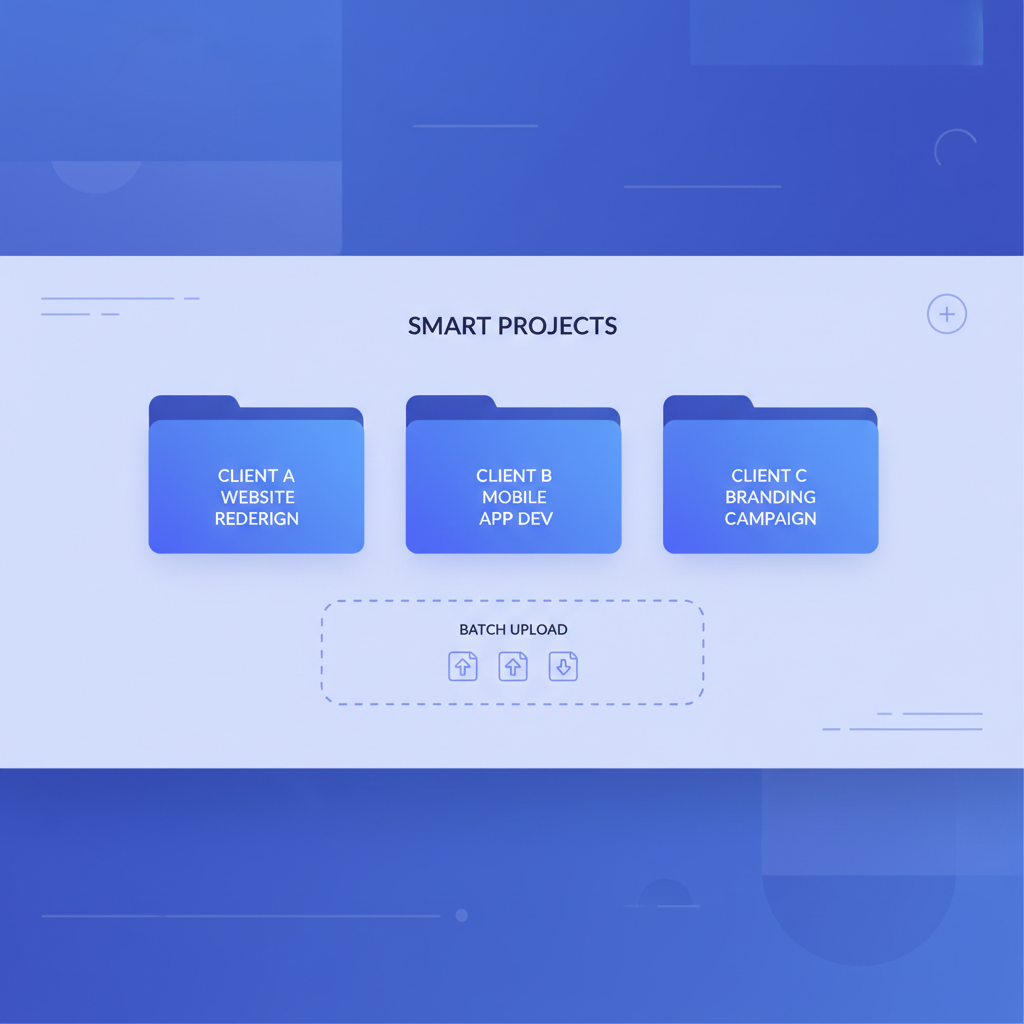
| Batch processing | Month-end means uploading dozens of invoices at once, not one at a time | Smart Projects handles bulk uploads in a single project workspace |
| Excel export | Output must land in the tools your clients already use (Excel, Google Sheets) | One-click export to .xlsx or .csv per invoice or per project |
| Per-project organisation | Client A's invoices must stay separate from Client B's | Smart Projects creates named workspaces per client or period |
| Flat predictable pricing | Per-invoice billing at volume destroys margin on fixed-fee engagements | Flat monthly plans from $9.99; free tier of 10 invoices/month, no credit card |
| High field accuracy | Re-keying or correcting extracted data defeats the purpose | 99.2% extraction accuracy across vendor, amount, date, line-item fields |
The Two Modes and When to Use Each One
Invoscope offers two distinct workflows. Understanding which one fits which part of your client work saves time from the first day.
Quick Analyze: One-Off and Ad-Hoc Invoices
A client emails a single invoice they need processed before an afternoon call. Quick Analyze lets you drop the PDF, extract all structured fields in roughly 5 seconds, and export to Excel without creating a project. There is no queue, no setup, no waiting. For small jobs or one-off requests, this is the fastest path from PDF to spreadsheet that exists at this price point.
You can explore the full feature set on the Quick Analyze feature page.
Smart Projects: Month-End Client Batches
For the bulk of accounting firm work, Smart Projects is the right mode. You create a named project (for example, "Acme Corp March 2026"), upload the full batch of invoices in one go, and Invoscope extracts all of them in parallel. Every extracted record stays inside that project workspace. When processing is complete, you export the entire dataset as a single spreadsheet, ready to drop into your client's reconciliation file or accounting platform.
The Smart Projects feature page covers the workspace structure and export options in detail.
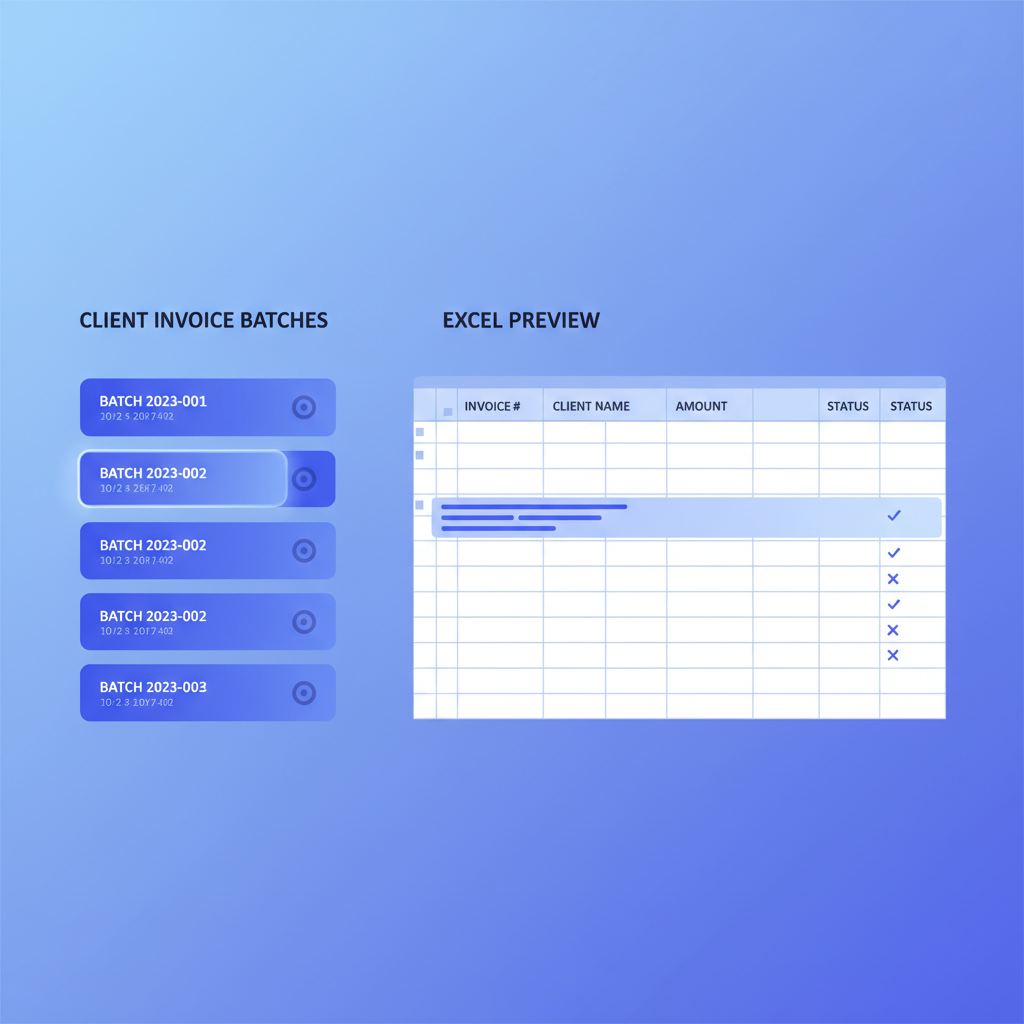
How the Workflow Looks in Practice
Here is a realistic month-end sequence for a bookkeeping or accounting firm using Invoscope:
- Client drops 60 vendor invoices into a shared folder (Google Drive, Dropbox, email attachment, any delivery method works since Invoscope accepts any PDF).
- Staff member creates a new Smart Project named for the client and period, then uploads all 60 files in one batch.
- Invoscope processes the batch. At roughly 5 seconds per invoice, 60 invoices take around 5 minutes with no staff input required during processing.
- Staff member reviews the extracted data in the project dashboard, flags any invoices that need a second look (unusual layouts, poor scan quality), and corrects them if needed.
- Full dataset is exported to Excel and handed off to the client or imported into their bookkeeping system.
Compare that to a manual keying workflow where a single experienced bookkeeper enters roughly 5 invoices per hour. Those same 60 invoices take 12 hours of billable staff time. The math on fixed-fee client work is difficult to ignore.
For a deeper look at the cost side of this comparison, the manual data entry vs. Invoscope cost breakdown runs the numbers across different volume tiers.
What Invoscope Does Not Do (And Why That Is a Feature, Not a Gap)
Many accounting firm operators ask whether Invoscope replaces their accounting software or AP platform. It does not, and the distinction is deliberate.
Invoscope is an extraction layer. It takes unstructured PDF data and converts it to clean, structured spreadsheet data. What happens to that data after export is entirely up to your workflow. You can paste it into QuickBooks, import it into Xero, hand it to a client, or use it as a reconciliation input. Invoscope does not try to manage approvals, payment runs, vendor relationships, or general ledger coding.
This matters for accounting firms because most already have an accounting platform they (or their clients) use. Replacing that is not on the table. What is on the table is eliminating the manual data entry step that sits between receiving a PDF and getting data into that platform.
If you are still evaluating whether your firm needs a dedicated extraction tool or whether a broader AP platform makes more sense, the guide on whether your business needs AP automation software is a useful starting point, even though it is framed around SMBs rather than firms specifically.
Pricing for Accounting Firm Volumes
One of the most common objections from accounting firms is per-invoice pricing. When you are processing invoices on behalf of ten clients at fixed fees, a tool that charges $0.10 to $0.50 per invoice quietly eats your margin at volume.
Invoscope uses flat monthly pricing starting at $9.99. The free tier covers 10 invoices per month with no credit card required, which is genuinely useful for testing the tool against your actual client invoice formats before committing. Higher-volume plans are available on the pricing page.
| Volume per Month | Manual Staff Time (at 5 invoices/hour) | Invoscope Processing Time | Estimated Invoscope Cost |
|---|---|---|---|
| 50 invoices | 10 hours | ~4 minutes | From $9.99/month |
| 200 invoices | 40 hours | ~17 minutes | See pricing page |
| 500 invoices | 100 hours | ~42 minutes | See pricing page |
Building a Scalable Extraction Workflow Across Multiple Clients
The firms that get the most out of Invoscope tend to standardise their workflow early rather than treating each client engagement as a one-off setup. A few patterns that work well:
Name Projects Consistently
Use a naming convention like "ClientName_YYYY-MM" for every Smart Project. This makes it easy to find historical extraction data if a client dispute arises or an audit requires documentation.
Set a Review Step Before Export
Even at 99.2% accuracy, a small percentage of invoices in any batch will have unusual layouts, faded scans, or handwritten fields that reduce confidence. Build a 10-minute review step into your workflow for each batch before exporting. Catching one error at this stage is faster than correcting it downstream in the accounting platform.
Use the Free Tier for New Client Onboarding
When a new client joins, you often receive a mixed bag of historical invoices to process. Running a sample of 10 invoices through the free tier before committing to a paid plan lets you confirm that the extraction handles that client's specific vendor formats correctly.
Separate Clients by Project, Not by Upload Session
A common mistake is uploading invoices for multiple clients into a single project to save time. The short-term convenience creates real risk at export time when all extracted rows are in one file. Keep one project per client per period, even if that means a few extra minutes of setup.
The Connection to a Broader Automation Strategy
For a focused walkthrough, see how accountants use Invoscope to automate invoice processing from first upload to Excel export.
Extraction is one piece of a larger workflow. Once you have clean invoice data in Excel format, the downstream steps (coding to chart of accounts, matching to purchase orders, client review, payment) can also be improved or automated. The full picture is covered in the complete guide to automating invoice processing, which walks through the entire chain from receipt to payment, not just the extraction step.
For accounting firms specifically, the extraction step is often the highest-leverage point to fix first. It is the step that consumes the most unbillable time and produces the most downstream errors. Getting clean data out of PDFs reliably is the foundation everything else builds on.
Getting Started Without Committing
The free tier covers 10 invoices per month with no credit card and no time limit. For most accounting firms, that is enough to test Invoscope against two or three real client batches and see the output quality before making any commitment.
There is no template configuration required. You sign up, upload a PDF, and the extraction runs. If the output matches your expectations at that point, scaling up is a matter of choosing a plan.
Ready to see how fast your next client invoice batch can move? Create your free Invoscope account and process your first 10 invoices at no cost, no credit card required.
Related reading: Invoice Automation for Logistics Companies: Carrier Invoice Processing with Invoscope
Related reading: Accounts Payable Automation for Agencies: Managing Multi-Client Invoice Volumes