

A Klippa alternative after the Doxis rebrand is any AI invoice data extraction tool that can replace Klippa's document capture capabilities now that the platform has transitioned its identity and, in some cases, its pricing structure under the Doxis name. Invoscope is the most straightforward replacement for teams that specifically need fast, accurate invoice-to-Excel conversion without committing to a full enterprise document platform.
Why the Klippa-to-Doxis Rebrand Creates a Real Decision Point
Rebrands are rarely just a logo swap. When a vendor rebrands, pricing tiers get restructured, contracts are renegotiated, and the product roadmap shifts to serve the new positioning. Klippa's move toward Doxis signals a broader push into enterprise content services, which is great news for large organizations that need document management at scale but is often frustrating for SMBs and finance teams that just want clean invoice data out of a PDF.
If your use case is extracting invoice fields like vendor name, invoice number, line items, totals, and due dates, and exporting that to Excel or your accounting software, you probably do not need an enterprise content platform. You need a focused invoice extraction tool. That distinction matters when you are choosing where to go next.
The alternatives below are evaluated on four criteria: extraction accuracy, time to first result, pricing transparency, and the learning curve to get started. Each one covers a genuinely different profile of buyer.
The Top Klippa Alternatives for Invoice Data Extraction in 2026
1. Invoscope
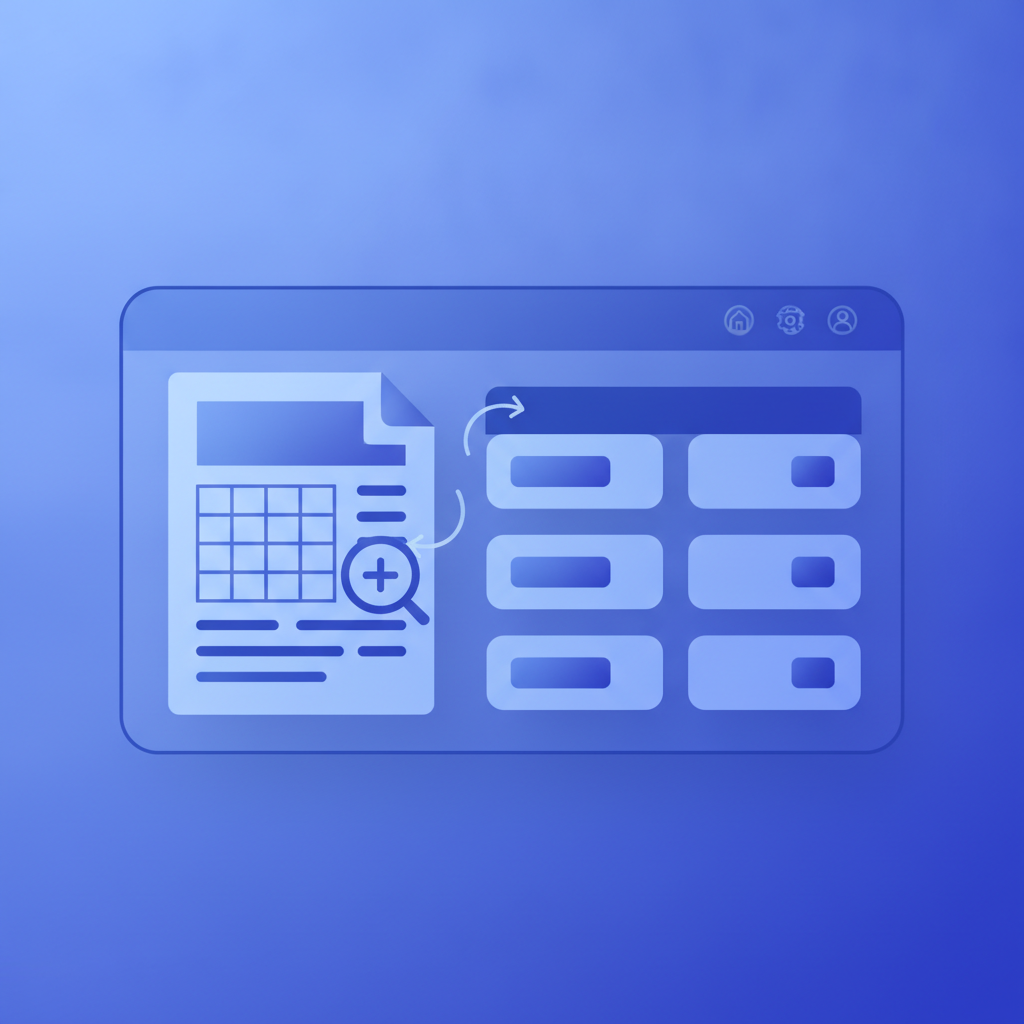
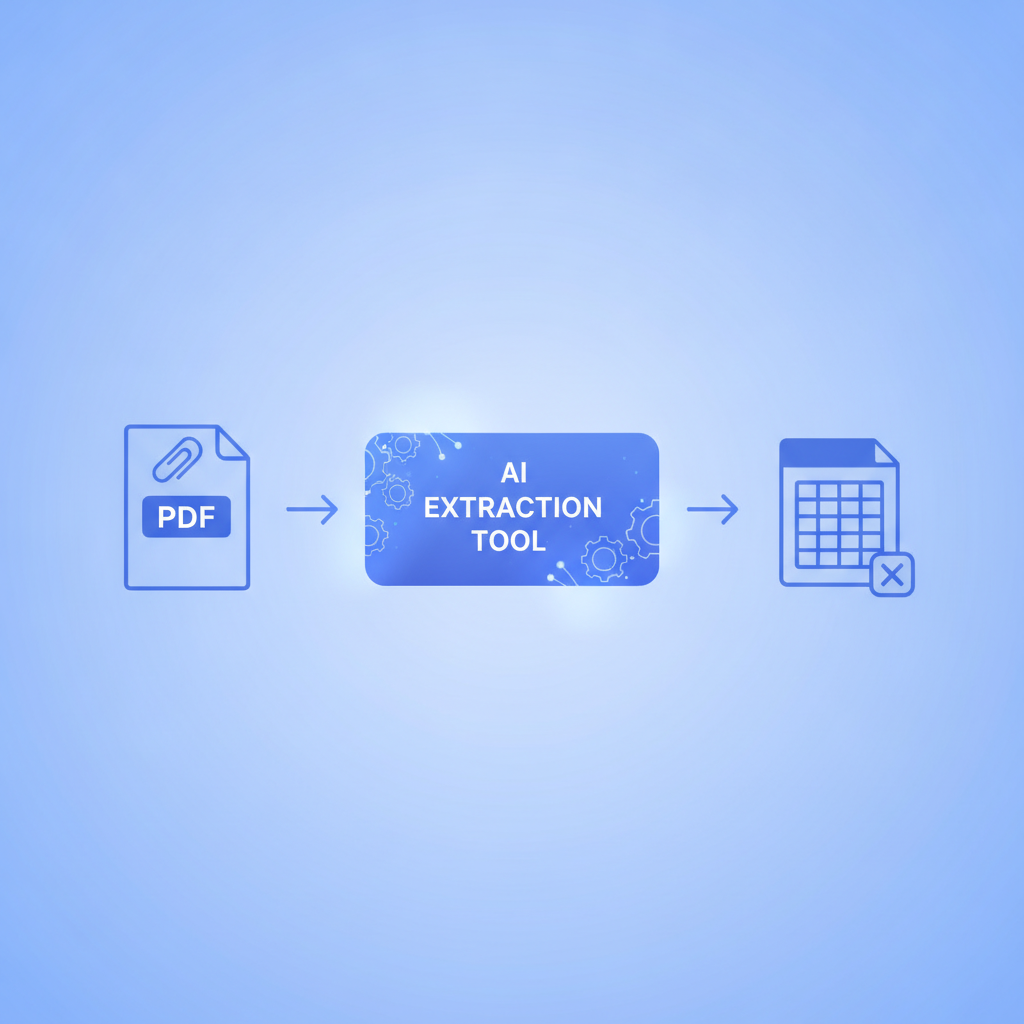
Invoscope is purpose-built for invoice data extraction. You upload a PDF, it returns structured Excel data in about 5 seconds, at 99.2% field accuracy on standard invoice formats. There are no templates to configure, no training runs, and no minimum contract. The free tier gives you 10 invoices per month with no credit card required, and paid plans start at $9.99 per month.
Two modes cover almost every workflow. Quick Analyze is for one-off or low-volume extraction: upload, review, download. Smart Projects handles batch processing, letting you group invoices by supplier or period and export the entire dataset at once. For teams migrating away from Klippa, the lack of template setup is the biggest practical difference. Klippa's document capture historically required some configuration per document type. Invoscope's Google Gemini-powered engine reads layout structure directly, so you process a new vendor's invoice format on the first try without any setup.
The main limitation is intentional: Invoscope does not do AP approval workflows, GL coding automation, or payment execution. It extracts data. If you need the full AP stack, you will want to pair it with your accounting software via an integration.
2. Mindee
Mindee is a developer-first document parsing API with strong invoice and receipt models. It is a reasonable Klippa alternative if your team has engineering resources and you want to build a custom pipeline. Pre-built models for invoices cover most standard fields, and the API documentation is well maintained.
The trade-off is that Mindee is not a no-code tool. Finance teams using Klippa's web interface will find Mindee's native experience thin without a custom front end. Pricing moves to a per-page model at higher volumes, which can be harder to predict than a flat monthly subscription. See how Invoscope compares to Mindee if you want a closer look at the API-versus-SaaS trade-off.
3. Veryfi
Veryfi focuses on receipt and invoice OCR with a mobile-first orientation. It has strong support for real-time capture from phone cameras, which makes it a good fit for field teams or construction businesses logging supplier invoices on site. Accuracy on clean PDF invoices is competitive, and the API is production-grade.
Where Veryfi falls short for many Klippa migrators is cost. The plans are structured around volume tiers and, at SMB volumes, the per-document cost is higher than flat-rate alternatives. The Invoscope vs Veryfi comparison breaks down the per-invoice economics in detail.
4. Docparser
Docparser is a template-based document parser that supports invoices, purchase orders, and other structured PDFs. It is more flexible than basic OCR tools because you define parsing rules visually, targeting specific zones or patterns in your documents. For organizations with a small, consistent set of supplier invoice formats, this works well.
The downside is setup time. If you receive invoices from dozens of different vendors with varying layouts, you need to create and maintain a template for each one. Teams coming from Klippa, which had its own document classification layer, may find Docparser's manual template management a step backward. It is best suited to high-volume, low-variety document sets.
5. Nanonets
Nanonets sits closer to the enterprise AP automation space than the other tools here. It offers invoice capture, approval workflows, and some integrations with accounting systems. For organizations that want to replace not just Klippa's extraction layer but also add downstream process automation, Nanonets is worth evaluating.
The pricing and sales process reflect its enterprise positioning. Expect a demo call rather than self-serve signup, and budget accordingly. If your primary need is extraction speed and simplicity, the overhead of Nanonets is hard to justify at SMB scale.
Side-by-Side Comparison
| Tool | Best For | Accuracy (Invoice Fields) | Speed | Free Tier | Starting Price | Template Setup Required |
|---|---|---|---|---|---|---|
| Invoscope | SMBs, finance teams, accountants | 99.2% | ~5 seconds | 10 invoices/month, no credit card | $9.99/month | No |
| Mindee | Developers building custom pipelines | High (varies by model) | Fast (API) | Limited free API calls | Pay-per-page | No (pre-built models) |
| Veryfi | Mobile capture, field teams | High | Fast | Very limited | Higher per-document cost | No |
| Docparser | High-volume, consistent formats | Good (template-dependent) | Fast after setup | Free trial only | Mid-range | Yes |
| Nanonets | Enterprise AP automation | High | Standard | No | Enterprise pricing | Light training required |
How to Choose the Right Alternative for Your Situation
The right replacement depends heavily on why you were using Klippa in the first place. A few questions help narrow it down quickly.
If you were using Klippa primarily to extract invoice data and export it to a spreadsheet or accounting tool, Invoscope covers that use case directly, with less setup and more transparent pricing. The best invoice parser comparison for small business goes deeper on this if you want to weigh options at the SMB level.
If you were using Klippa as part of a larger document management workflow that included contracts, HR documents, or identity verification, the Doxis platform itself might still be the right home for those workflows, while you split invoice extraction to a dedicated tool like Invoscope. Single-purpose tools tend to outperform document management platforms on invoice-specific accuracy because invoice extraction is their entire focus.
If you have developers available and want API access for a custom integration, Mindee is the strongest contender. If you need approval routing and payment workflows baked in, Nanonets or a full AP automation platform is the right direction, though at a significantly higher price point and implementation commitment.
What the Doxis Rebrand Tells You About Vendor Risk
The practical lesson from the Klippa-to-Doxis transition is that vendor positioning shifts are real risks for any software dependency. When a vendor pivots upmarket, SMB customers often find their plans deprecated, their pricing increased, or their workflows orphaned in a product that no longer prioritizes them.
One way to reduce that risk going forward is to prefer vendors with public pricing, a permanent free tier, and a clear single-purpose focus. A tool that does one thing, invoices to structured data, is less likely to rebrand into an enterprise content platform than a tool that was always trying to serve every document type for every company size.
For a broader look at how Invoscope stacks up across the alternatives landscape, the full AI invoice processing tools comparison covers more options with additional context on the full comparisons hub.
Getting Started Without Commitment
The fastest way to evaluate any invoice extraction tool is to run your actual invoices through it. Invoscope's free tier exists for exactly this reason: 10 invoices per month, no credit card, no demo call required. You can test your most complex invoice layouts, check the field accuracy, and export to Excel before you decide anything.
If you process more than 10 invoices per month, the paid plans start at $9.99 and scale from there. Full pricing details are on the pricing page.
Ready to run your first invoice through a Klippa alternative that does not require any setup? Create a free Invoscope account and have your first invoice extracted in under a minute.
Related reading: Proforma Invoice vs Invoice: When to Use Each and How Data Extraction Differs
Related reading: Python OCR Libraries for Invoice Parsing: A Developer Comparison (pytesseract, EasyOCR, Surya, and API Alternatives)