

Restaurant invoice automation is the process of using AI to extract line-item data from food and beverage supplier invoices automatically, converting them to structured, exportable spreadsheet data without manual re-keying. Invoscope does this in roughly 5 seconds per invoice at 99.2% field accuracy, making it practical for high-volume hospitality operations that receive dozens of supplier invoices every week in inconsistent formats.
Why Hospitality Invoice Volume Is a Different Problem
A mid-size restaurant or hotel food and beverage department typically works with 10 to 40 active suppliers at any given time. Each supplier sends invoices on their own schedule, in their own format, and at their own cadence. A busy 200-cover restaurant can accumulate 60 to 120 supplier invoices in a single week across produce, meat, dairy, dry goods, beverages, cleaning supplies, and linen services.
That volume alone is not the whole problem. The bigger issue is format variation. Your produce vendor emails a PDF with a dense table of SKUs and catch weights. Your beverage distributor drops a printed delivery note at the door. Your specialty imports supplier sends a multi-page invoice with line items in a different currency. No two documents look alike, and that kills the template-based approach that older OCR tools depend on.
Add margin pressure to the mix. Food-service margins typically run between 3% and 9% net. Even a small data entry error on a weekly produce invoice, a missed credit, or an unreconciled short delivery can erase meaningful profit. Accuracy is not optional; it is the whole point.

The Manual Processing Problem, Quantified
Manual invoice entry in a restaurant setting usually falls to the owner, a bookkeeper, or a manager who is already responsible for scheduling, ordering, and compliance. Industry benchmarks put the average fully-loaded cost of manually processing a single invoice at between $10 and $18 when you account for labor time, error correction, and delayed payment penalties. For an operation processing 80 invoices a week, that is $800 to $1,440 in hidden costs every week, or roughly $42,000 to $75,000 per year.
Even if your actual labor cost is lower, the opportunity cost matters. Time spent re-typing invoice data is time not spent on menu costing, supplier negotiation, or staff management. The real cost of manual invoice processing almost always exceeds what operators estimate when they first run the numbers.
How Invoscope Handles Hospitality Invoice Formats
Invoscope is built on Google Gemini and requires no templates, no field mapping setup, and no training period. You upload a PDF (or a photo of a delivery note), and the AI reads the document structure on its own. This is critical for hospitality because your supplier roster changes, your distributors update their invoice layouts, and seasonal suppliers appear and disappear throughout the year.
The two extraction modes map cleanly to two common hospitality workflows.
Quick Analyze: For One-Off or Urgent Invoices
Quick Analyze is a single-invoice mode. You upload one PDF and get structured data back in about 5 seconds. This is useful when a supplier invoice arrives and you need to verify pricing before approving payment, or when a delivery dispute needs fast documentation. There is no batch queue, no project to set up. Upload and download.
The permanent free tier includes 10 invoices per month at no cost and with no credit card required, which covers small cafes or pop-up food vendors who only need occasional extraction.
Smart Projects: For Weekly Batch Processing
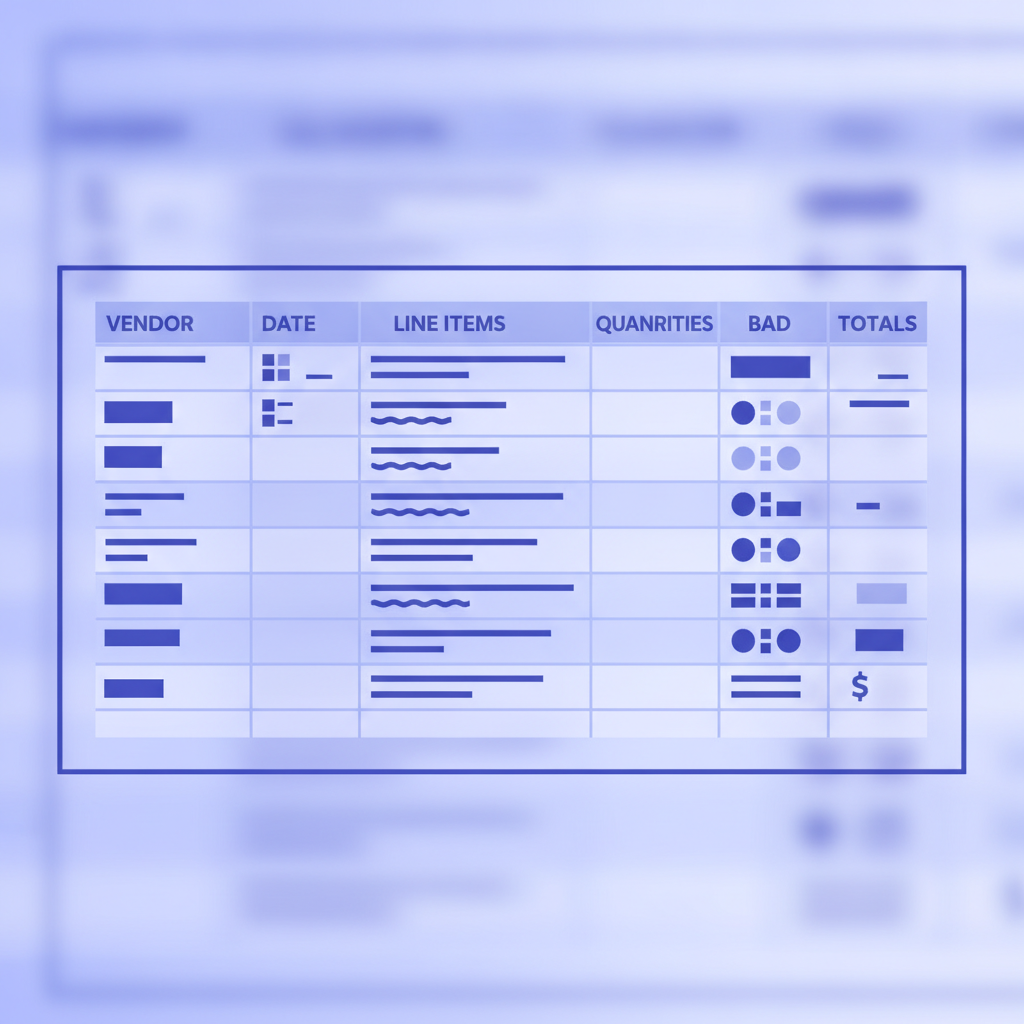
Most full-service restaurants and hotel F&B departments benefit more from Smart Projects, Invoscope's batch processing mode. You create a named project (for example, "Week 24 Supplier Invoices"), upload all your PDFs at once, and Invoscope processes the entire batch. The output is a single consolidated Excel file with every invoice's data in consistent columns: vendor name, invoice number, date, line items, quantities, unit prices, totals, and tax.
That consolidated file is what your bookkeeper, accountant, or food cost spreadsheet actually needs. You can filter by supplier, sort by date, or pivot by category without any manual re-entry. The complete guide to batch invoice processing walks through the exact steps if you want a detailed walkthrough.
Common Hospitality Invoice Types Invoscope Handles
| Invoice Type | Typical Format Challenge | Invoscope Handling |
|---|---|---|
| Fresh produce (weekly) | Variable weights, catch pricing, handwritten corrections | Extracts line items and unit prices; flags unusual characters |
| Beverage distributor | Multi-page, case and bottle level detail, vintage codes | Reads multi-page PDFs as a single document; captures all rows |
| Dry goods and pantry | Dense SKU tables, promotional pricing layers | Extracts SKU, description, quantity, unit price, and extended total |
| Linen and uniform service | Weekly service charge plus variable piece count | Separates recurring fees from variable line items |
| Equipment maintenance | Labour hours, parts, call-out fees on a single invoice | Extracts each charge type as a separate row |
| International specialty imports | Foreign currency, different date formats, non-Latin characters | Handles multi-currency and date format variation automatically |
A Practical Weekly Workflow for Restaurants
The simplest setup for a restaurant finance workflow looks like this. At the end of each delivery day, whoever receives invoices scans or photographs any paper documents and saves them as PDFs. By end of week, all supplier PDFs are collected in one folder. On Friday afternoon (or Monday morning, depending on your close cycle), you create a new Smart Project in Invoscope, upload the full folder, and let the batch run. In a few minutes, the entire week's supplier invoices are in a single Excel file ready for your bookkeeper.
That file can feed directly into your food cost tracking spreadsheet, your accounting software, or your purchasing analysis. Invoscope exports to Excel and CSV, and you can push the data onward via Zapier or direct integration. The guide to integrating invoice data extraction with accounting software covers the most common connection paths including QuickBooks and Xero.
Accuracy and the Food Cost Argument
At 99.2% field-level accuracy, Invoscope is meaningfully more reliable than manual entry, where human error rates in repetitive data entry tasks typically run between 1% and 4%. For a restaurant processing $15,000 in weekly supplier invoices, a 2% error rate means $300 in miscoded or missed charges per week. Over a year, that is over $15,000 in potential food cost variance that your reports never catch correctly.
Accurate, structured data also makes price variance analysis possible. When every invoice is captured consistently, you can compare this week's unit price for Roma tomatoes to last week's in seconds. That kind of visibility is practically impossible when data lives in paper files or inconsistent manual spreadsheet entries.
Pricing That Works for Hospitality Scale
Invoscope plans start at $9.99 per month, with no per-invoice credit system that penalizes you during busy seasons. You pick a plan tier based on monthly invoice volume and get a flat, predictable cost. The free tier covers 10 invoices per month, which is genuinely useful for a small cafe or food truck. Larger hotel F&B operations can scale to higher volume tiers without switching tools or renegotiating contracts.
See the full breakdown on the pricing page, including which volume tier fits your weekly invoice count.
For a broader look at how invoice automation applies across different business types, the invoice data extraction methods and best practices guide covers the underlying principles. And for a look at how other industry verticals approach the same problem, the construction invoice processing guide and the logistics invoice automation guide show parallel approaches with different document types.
What Invoscope Is Not
A few things worth stating clearly, because hospitality operators sometimes search for tools that do everything. Invoscope extracts invoice data and exports it to Excel or CSV. It is not accounting software, so it does not post journal entries or manage your chart of accounts. It is not a purchasing or inventory platform, so it does not connect to par levels or generate purchase orders. It does not process payments or manage supplier relationships. It does one thing at 99.2% accuracy and in 5 seconds: it reads your supplier invoices and gives you clean, structured data to use however you need.
If you already use QuickBooks, Xero, or a restaurant-specific accounting tool, Invoscope sits upstream of that software and feeds it clean data instead of requiring you to key everything in manually.
Getting Started
The free tier requires no credit card and gives you 10 invoices to try immediately. Upload a real supplier invoice from your current stack and see the output in about 5 seconds. If the extracted data matches what you expect, you will have a clear picture of what a full rollout saves you each week.
Ready to stop re-typing supplier invoices? Create your free Invoscope account and run your first batch today.