
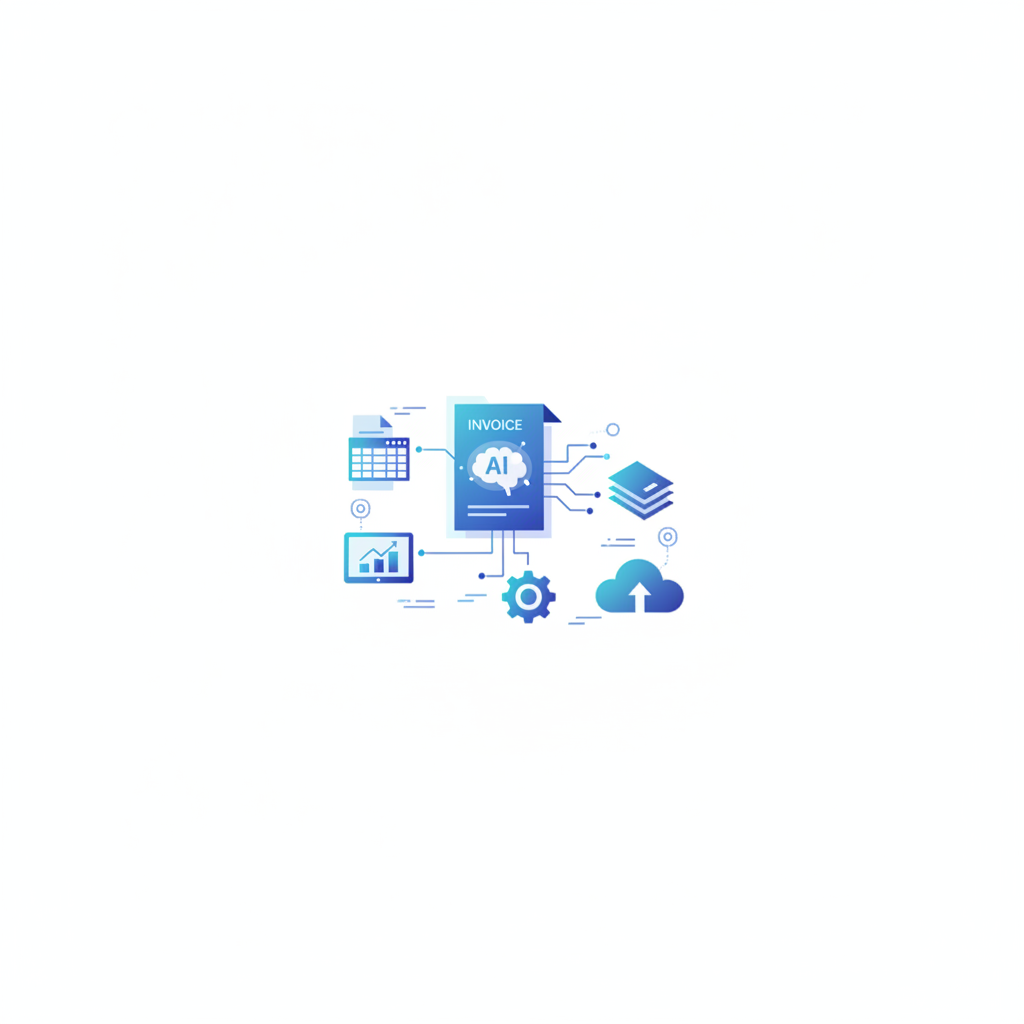
Intelligent document processing (IDP) is the use of artificial intelligence to automatically read, classify, and pull structured data from business documents, replacing manual keying with a process that takes seconds rather than minutes. Invoscope is a purpose-built IDP tool focused specifically on invoice documents, converting PDFs to clean Excel data at 99.2% accuracy in about 5 seconds per invoice.
Why the Term Exists and What It Actually Means
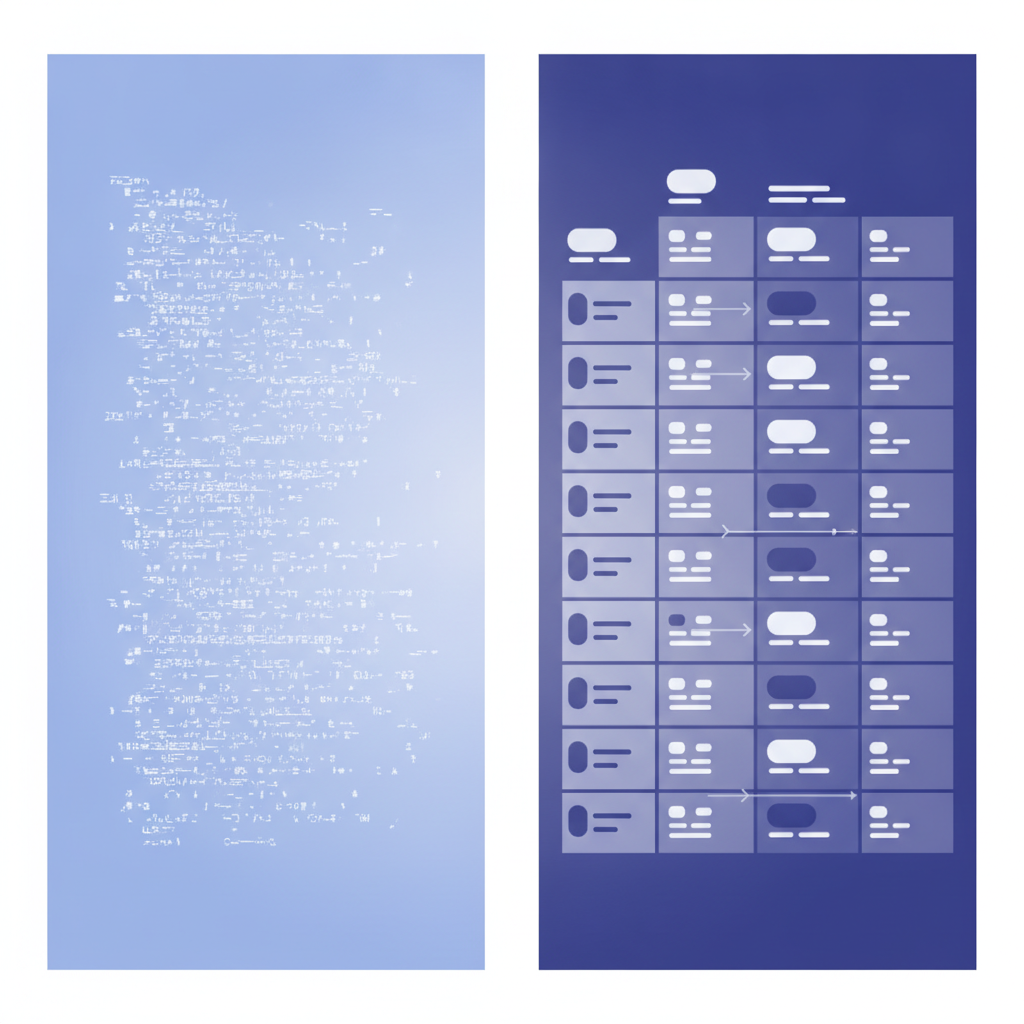
For a long time, "document processing" meant a person opening a PDF, reading it, and typing the numbers into a spreadsheet. Then came optical character recognition (OCR), which could scan printed text and turn it into digital characters. Useful, but limited: basic OCR reads characters without understanding what they mean. It cannot tell the difference between a total amount and a subtotal, or between a vendor name and a ship-to address.
IDP adds intelligence on top of character recognition. Instead of just reading pixels and returning text, an IDP system uses machine learning models to understand document structure, infer field context, and output labeled, organized data. The result is not a wall of extracted text; it is a clean table with columns like Invoice Number, Vendor, Date, Line Item Description, Quantity, Unit Price, and Total.
That shift from "reading text" to "understanding documents" is what the IDP category represents.
IDP vs. Basic OCR: The Key Differences
The comparison below shows how IDP and traditional OCR behave on the same invoice. If you want a deeper look at OCR specifically, the invoice OCR explainer covers that technology in detail.
| Capability | Basic OCR | Intelligent Document Processing |
|---|---|---|
| Reads printed text | Yes | Yes |
| Understands field context (e.g., "this number is a total") | No | Yes |
| Works without a fixed template | Rarely | Yes (modern IDP) |
| Handles varied layouts from different vendors | No | Yes |
| Extracts line items and tables | Poorly | Yes |
| Outputs structured, labeled data | No | Yes |
| Requires manual field mapping setup | Often yes | No (for AI-native tools) |
The template requirement is worth pausing on. Legacy OCR tools and older document capture platforms typically ask you to define zones on a page: "this rectangle is always the invoice number, this one is always the date." That works when every document from a given vendor looks identical. It breaks down the moment a vendor redesigns their invoice or you add a new supplier.
Modern IDP systems, including Invoscope, use AI models trained on large volumes of real documents to locate fields by meaning rather than by position. No template configuration is needed before processing your first invoice.
What Documents Does IDP Handle?
IDP as a category covers many document types: contracts, purchase orders, receipts, bank statements, shipping manifests, and more. In practice, invoices are the most common starting point for SMBs, for three reasons. First, every business receives invoices regularly. Second, invoice data directly feeds financial workflows where errors are costly. Third, the diversity of invoice layouts across suppliers makes manual processing especially time-consuming.
Other document types require IDP too, and some platforms try to cover everything. Invoscope focuses specifically on invoices and closely related documents like receipts. That focus means the AI models are optimized for invoice structure, vendor name disambiguation, line-item tables, tax fields, and currency handling, rather than being a general-purpose document processor stretched across dozens of document types.
How IDP Works Under the Hood (Without the Jargon)
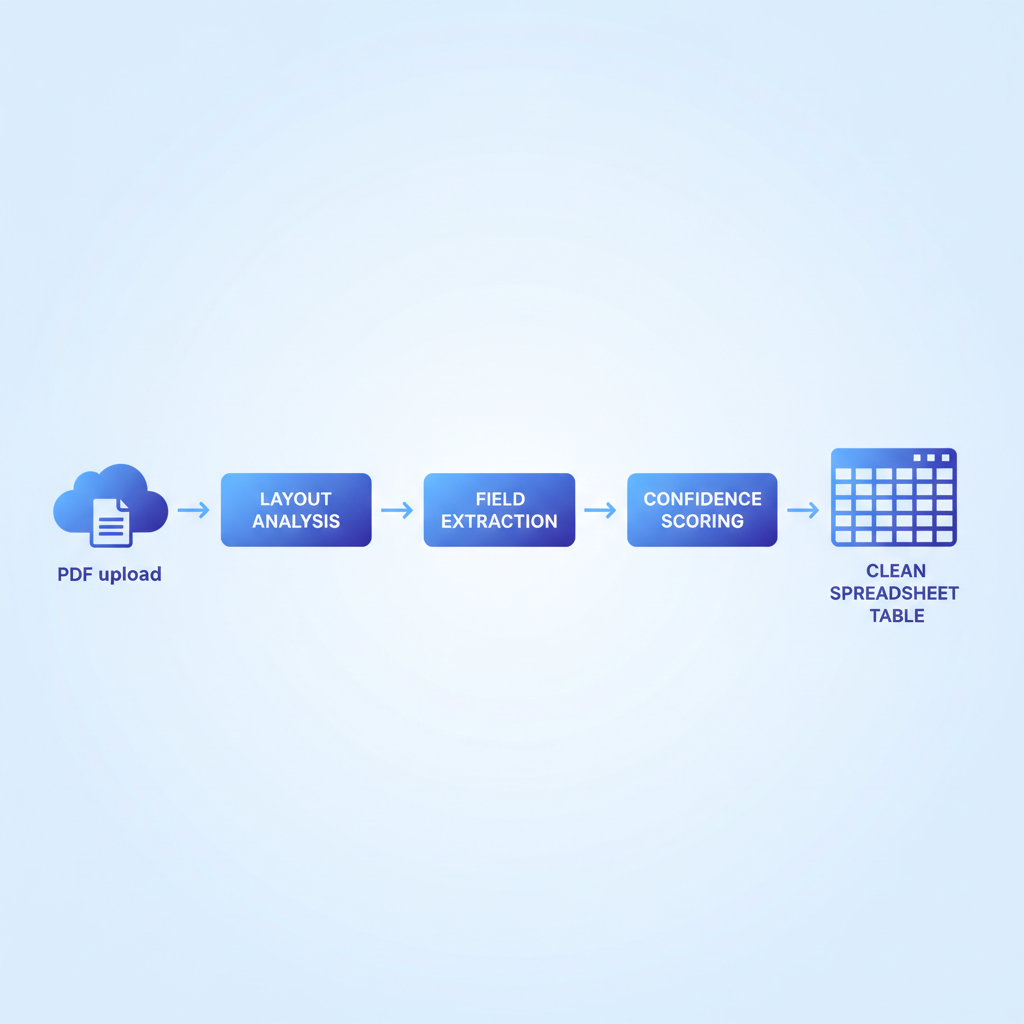
When you upload an invoice PDF to an IDP system, a few things happen in sequence:
- Document ingestion: The file is converted to a format the AI can process, whether that starts as a native digital PDF or a scanned image.
- Layout analysis: The model identifies regions of the page: headers, tables, footers, logos, and body text. It understands that invoice data tends to appear in certain structural patterns even when the exact visual design varies.
- Field extraction: Named entities are extracted and labeled. The model distinguishes an invoice date from a payment due date, a line-item amount from a total, and a bill-to address from a ship-to address.
- Confidence scoring: The system assigns a confidence level to each extracted value. Low-confidence fields can be flagged for human review rather than passed through silently.
- Structured output: The result is exported as a clean spreadsheet, CSV, or JSON, ready to import into accounting software or a spreadsheet.
Invoscope runs this pipeline on Google Gemini's AI, which is why the accuracy benchmark lands at 99.2% across tested invoice formats. The whole process takes roughly 5 seconds per invoice.
Where IDP Fits in an SMB Finance Workflow
IDP is not accounting software. It does not post journal entries, reconcile bank accounts, or send payment reminders. It does one specific thing: it converts unstructured document data into structured, usable data. What you do with that data next is up to you and your existing tools.
A typical SMB workflow using IDP looks something like this:
- Supplier invoices arrive by email or are downloaded from vendor portals.
- The invoices are uploaded to an IDP tool in batch.
- Structured data comes out as an Excel file or CSV within seconds.
- The data is imported into QuickBooks, Xero, or a Google Sheet for review and payment processing.
That middle step, the extraction step, is where IDP saves the most time. For a team processing 50 invoices a month by hand, at roughly 4 to 5 minutes per invoice, that is 3 to 4 hours of pure data entry. At scale, the numbers compound quickly. The real cost of manual invoice processing breaks down those figures in detail.
IDP Is Not the Same as AP Automation
This distinction matters when you are evaluating tools. Full accounts payable (AP) automation platforms handle the end-to-end payment lifecycle: approvals routing, payment runs, vendor communication, audit trails, and accounting system sync. That scope is appropriate for mid-market and enterprise finance teams processing hundreds or thousands of invoices monthly, and the price reflects it.
IDP covers the data extraction layer only. For most SMBs, that is actually all they need to automate. If your team can approve and pay invoices manually in your existing accounting software but the bottleneck is keying data in, IDP solves the actual problem without requiring an enterprise platform overhaul.
The question of whether your business needs full AP automation versus a targeted IDP tool is worth thinking through carefully. The post on whether your small business actually needs AP automation software walks through that decision in practical terms.
What to Look for in an IDP Tool for Invoice Processing
| Evaluation Factor | Why It Matters | Invoscope's Position |
|---|---|---|
| Accuracy rate | Errors in extracted data create downstream accounting problems | 99.2% on tested invoice formats (see accuracy benchmark) |
| Template-free setup | Templates break when suppliers change layouts | No templates required; AI adapts to any layout |
| Line-item extraction | Header fields alone are not enough for most finance workflows | Full table and line-item extraction included |
| Processing speed | Batch processing value depends on throughput | About 5 seconds per invoice |
| Pricing model | Per-page and credit-based pricing obscures real cost | Flat monthly subscription from $9.99; 10 invoices/month free |
| Free tier availability | Lets you test on real documents before committing | 10 invoices per month free, no credit card required |
| Export format | Data needs to go somewhere useful | Excel, CSV, and JSON export |
Two Ways Invoscope Handles Invoice IDP
Invoscope offers two distinct processing modes depending on your volume and workflow needs.
Quick Analyze is designed for one-off or low-volume extraction. You upload an invoice, the AI extracts all fields and line items, and you download the result. There is no project setup and no configuration. It takes about 5 seconds. Details are on the Quick Analyze feature page.
Smart Projects is designed for recurring, high-volume, or multi-supplier extraction. You create a project, batch-upload invoices, and the results are organized in a structured workspace you can export or revisit. This mode suits teams processing dozens or hundreds of invoices from a consistent supplier set each month.
Both modes sit on the same AI pipeline and produce the same accuracy. The difference is workflow organization, not extraction quality.
Is IDP Right for Your SMB?
If your team currently handles any of the following, IDP is likely worth testing:
- Manually typing invoice data into a spreadsheet or accounting system
- Receiving invoices from multiple suppliers with different layouts
- Spending more than 2 hours per month on invoice data entry
- Making occasional data entry errors that require corrections later
For a broader view of extraction approaches and how to choose between them, the pillar guide on invoice data extraction methods, tools, and best practices covers the full landscape.
The free tier makes it easy to find out quickly. You can upload 10 invoices per month at no cost and with no credit card required, so you can test on your actual documents before deciding on a plan.
Ready to see IDP work on your own invoices? Create a free Invoscope account and process your first 10 invoices at no charge.
Related reading: AI-Ready Invoice Data: How to Get Clean JSON from Any Invoice Format
Related reading: What Is an Invoice Number? Format, Sequence, and Why It Matters
Related reading: how AI invoice processing works, the most common IDP use case for small businesses.