

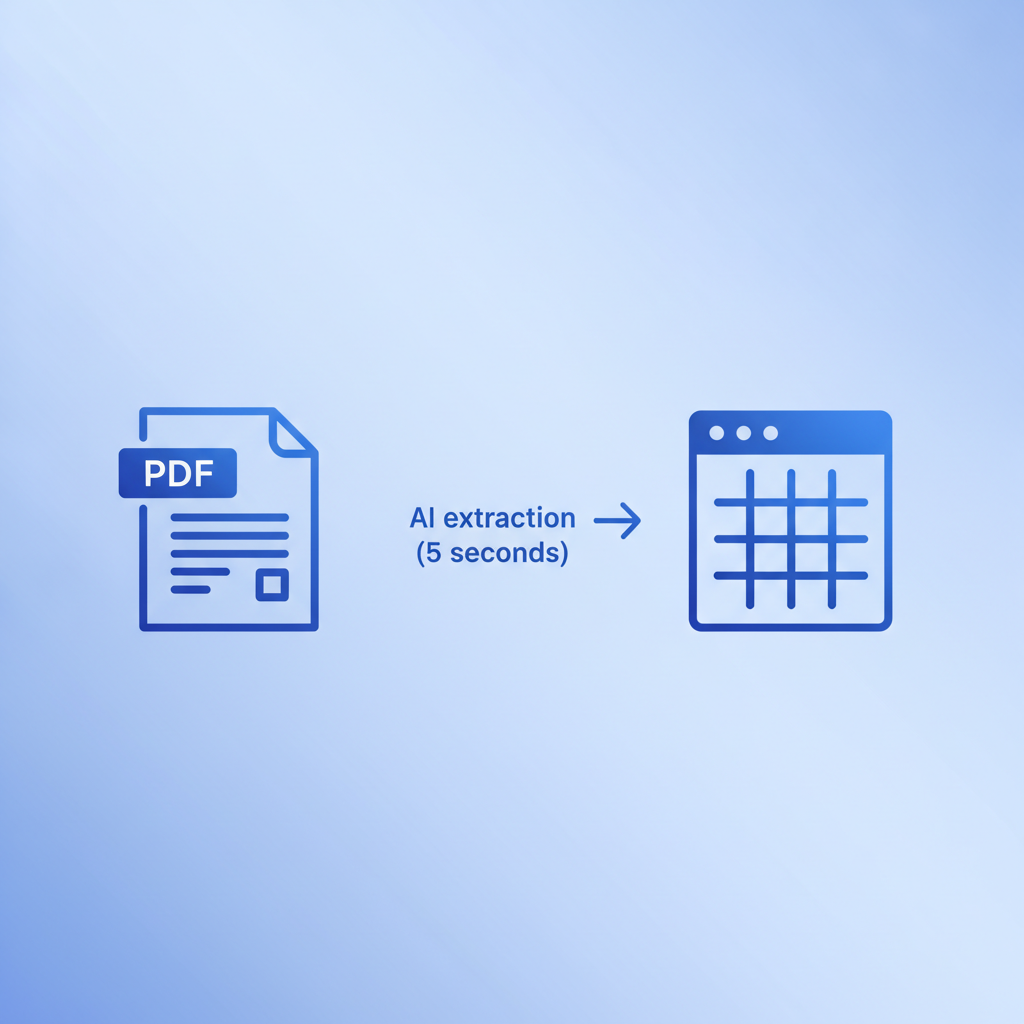
Invoice processing is the end-to-end accounts payable workflow that moves a supplier invoice from the moment it arrives to the moment payment clears, covering receipt, validation, data entry, GL coding, purchase order matching, approval, and payment. Invoscope sits at the data-extraction step of that workflow, converting invoice PDFs to clean, structured data in about 5 seconds so your team can spend its time on decisions rather than typing.
Why Invoice Processing Deserves a Clear Definition
The phrase gets used loosely. Some vendors call their full AP suite "invoice processing software." Others use it to mean nothing more than scanning a PDF. For finance and AP teams, the confusion costs real money because buying the wrong tool for the wrong step is easy when no one agrees on what the step even is.
This guide uses a strict definition: invoice processing is the complete lifecycle, broken into six discrete stages. Each stage has its own failure modes, its own tooling options, and its own cost profile. Knowing where your bottleneck actually lives is the fastest way to fix it.
The Six Stages of Invoice Processing
Stage 1: Receipt
An invoice arrives. Simple enough, except that in a typical SMB or mid-market AP team, invoices arrive through at least three channels at once: email attachments (PDF, Word, or occasionally an inline image), paper mail that someone has to scan, and supplier portals that export their own formats. A construction company managing 40 subcontractors might receive invoices in 40 slightly different layouts on any given week.
The receipt stage ends when the invoice is in one place in a digital format your system can read. For teams still working from inboxes and shared drives, this stage alone consumes hours per week.
Stage 2: Data Capture and Extraction
Once an invoice exists as a digital file, someone (or something) has to pull the structured data out of it: vendor name, invoice number, invoice date, due date, line items, quantities, unit prices, subtotals, tax, and total amount due. This is the stage where most manual effort concentrates and where AI extraction tools deliver the clearest return.
Invoscope handles this stage. Upload a PDF, image, or scanned invoice and the platform extracts every header field and line item in roughly 5 seconds, at 99.2% accuracy across a benchmark of 5,000 invoices. The result is a clean Excel or CSV file, ready for the next stage without any manual re-keying.
Two modes cover different volume patterns. Quick Analyze is designed for one-off or occasional invoices. Smart Projects handles recurring high-volume batches where you want consistent column structures across hundreds of files. You can read more about how the extraction engine works on the features page.
Stage 3: GL Coding
After data is captured, each line item or invoice total needs to be assigned to the correct account in the general ledger. This is called GL coding, and it is one of the more judgment-intensive steps in the lifecycle. A catering invoice might need to be split across cost-of-goods-sold, meals and entertainment, and a project cost center, all from a single document.
Errors at this stage ripple forward into financial reports, tax filings, and audits. If you want a deeper look at how coding works and where teams commonly go wrong, the guide on GL coding invoices covers the mechanics and common pitfalls in detail.
Stage 4: Matching
For any invoice tied to a purchase order, the AP team needs to verify that what was invoiced matches what was ordered and, in many cases, what was actually received. A two-way match compares the invoice to the PO. A three-way match adds the receiving report or delivery confirmation.
Matching catches overbilling, duplicate invoices, and vendor errors before payment goes out. It is also the stage that breaks down most visibly when invoice data is inaccurate or incomplete, which is why clean extraction in Stage 2 has downstream effects on matching speed. The full mechanics of this process are explained in the post on what is 3-way matching.
Stage 5: Approval
Most organizations require at least one approval before an invoice is scheduled for payment. In practice, this means routing the invoice to a cost center owner, department head, or finance controller, often with a dollar threshold that determines how many approvals are needed. A $200 software subscription might auto-approve. A $50,000 equipment invoice might need three sign-offs.
Approval workflows are where dedicated AP platforms (think NetSuite, SAP, or Tipalti) add value. Invoscope is intentionally not an approval workflow tool. It extracts and structures the data so that whatever approval system you already use gets clean inputs, not messy ones.
Stage 6: Payment
Once approved, the invoice is scheduled for payment according to its terms: net 30, net 60, or immediate. Payment is executed through ACH, check, wire transfer, or a payment platform. Capturing early-payment discounts (common terms are 2% net 10) requires knowing the due date accurately, which loops back to clean data capture in Stage 2.
After payment, the transaction is reconciled in the accounting system and the invoice is archived. The lifecycle is complete.
Where Invoice Processing Breaks Down
Most AP bottlenecks cluster in Stages 2 and 3. Manual data entry is slow, error-prone, and scales linearly with volume. A study of manual invoice processing costs puts the average cost per invoice between $10 and $15 when staff time, error correction, and late-payment penalties are included. You can see the full breakdown in the analysis of the real cost of manual invoice processing.
| Stage | Common Bottleneck | Typical Tool Category | Where Invoscope Fits |
|---|---|---|---|
| Receipt | Multi-channel inbox chaos | Email routing, document management | Not directly; accepts any PDF or image format |
| Data Capture | Manual re-keying, OCR errors | AI invoice extraction, OCR | Core function; 5 seconds, 99.2% accuracy |
| GL Coding | Misclassification, split coding | ERP rules, AP software | Provides clean data for coding; does not auto-code |
| Matching | Mismatched line items, missing PO numbers | AP automation, ERP | Extracts PO numbers and line items for matching |
| Approval | Routing delays, missing context | AP workflow tools, ERP | Not in scope |
| Payment | Late payment, missed discounts | Payment platforms, ERP | Not in scope |
Invoice Processing vs. Related Terms
These terms overlap but are not interchangeable, and vendors use them interchangeably all the time to sell products that do very different things.
| Term | What It Actually Means | Scope Compared to Invoice Processing |
|---|---|---|
| Invoice processing | Full AP lifecycle from receipt to payment | The whole workflow |
| Invoice data extraction | Pulling structured fields from an invoice document | Stage 2 only |
| AP automation | Automating approval routing, payments, and reconciliation | Stages 4 through 6, sometimes all six |
| Invoice OCR | Using optical character recognition to read invoice text | A technology used within Stage 2 |
| Accounts payable software | A platform managing vendor relationships, payments, and reporting | All six stages, often with ERP integration |
| Invoice parsing | Converting extracted text into structured data fields | A sub-task within Stage 2 |
How Volume Changes the Right Approach
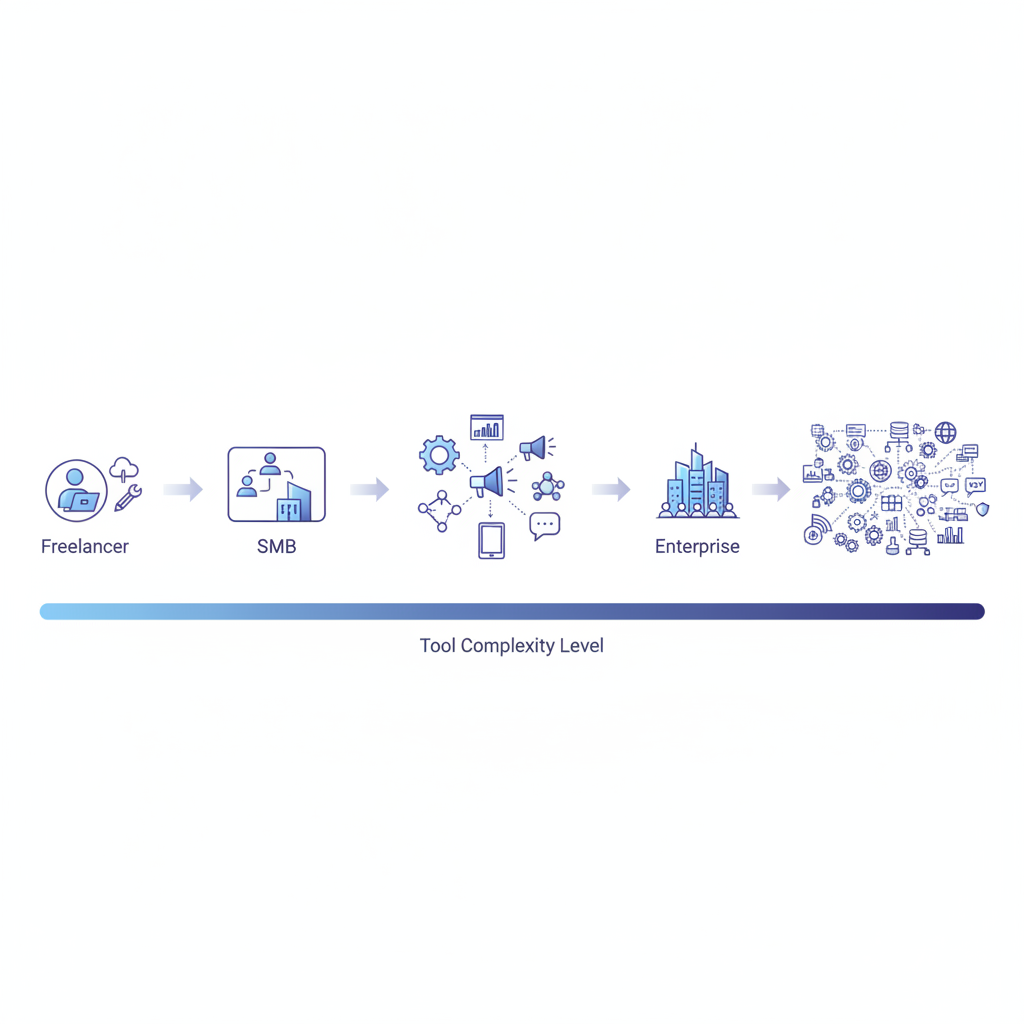
A freelancer processing 15 invoices a month has a completely different problem than a logistics company processing 2,000 carrier invoices a week. The lifecycle is the same, but the tooling that makes sense is not.
For low-volume teams and individuals, Invoscope's free tier handles 10 invoices per month with no credit card required. That covers most freelancers and small business owners who just need clean data without committing to software spend. Paid plans start at $9.99 per month for higher volumes.
For teams with recurring high-volume batches, Smart Projects lets you define a consistent output structure and process dozens or hundreds of invoices in one batch. The Smart Projects feature page explains how the batch workflow is set up. If you want to think through whether your volume justifies a more complete AP automation platform, the guide on how to automate invoice processing walks through the full decision framework.
What Invoice Processing Is Not
Knowing what a term does not cover saves you from buying the wrong thing. Invoice processing, as defined here, is not:
- Bookkeeping or accounting (recording transactions in financial statements)
- Expense management (handling employee expense reports and receipts)
- Contract management (tracking vendor agreements and renewal dates)
- Spend analytics (analyzing purchasing patterns across vendors)
- Payroll processing (handling employee compensation)
Full AP automation suites bundle many of these functions together, which is why they carry enterprise price tags and multi-month implementation timelines. If your only real problem is inaccurate or slow data capture at Stage 2, a targeted extraction tool is usually faster, cheaper, and easier to adopt than a full platform.
Frequently Asked Questions
What is the difference between invoice processing and accounts payable?
Accounts payable (AP) is the department and the balance sheet function that tracks what a business owes to suppliers. Invoice processing is the operational workflow AP runs to handle each incoming invoice from receipt through payment. AP is the team and the ledger; invoice processing is the work they do.
How long does invoice processing take manually?
Manual invoice processing typically takes between 5 and 15 minutes per invoice when you include opening the document, keying header fields and line items, coding to the GL, routing for approval, and filing. High-error rates add correction time on top. At scale, this adds up to dozens of staff hours per week for mid-sized AP teams.
What does Invoscope actually do in the invoice processing workflow?
Invoscope handles the data extraction stage: it reads your invoice PDFs or images and returns clean, structured data (every header field and line item) in about 5 seconds. It is not an approval workflow tool, not a payment platform, and not an accounting system. It gives you accurate data fast so the rest of your process runs on clean inputs rather than manually typed ones.
What is 3-way matching and when does it happen in invoice processing?
Three-way matching happens at Stage 4 of the invoice processing lifecycle. It compares the invoice against the original purchase order and the receiving report to confirm that quantities and prices align across all three documents before payment is approved. Discrepancies trigger a hold for review. Clean line-item extraction from invoices is critical here because matching software can only compare data it can actually read.
Can small businesses use invoice processing automation or is it only for enterprise teams?
Automation at the data extraction stage is practical for any business that processes more than a handful of invoices per month. Invoscope offers a free tier of 10 invoices per month with no credit card required, and paid plans start at $9.99 per month, so the entry point is accessible well below enterprise scale. Full AP automation suites with approval workflows and payment rails are generally enterprise tools, but extraction automation is not.
Start Extracting Invoice Data for Free
If your invoice processing bottleneck is at the data capture stage, the fastest fix is to try AI extraction on your own documents. Invoscope's free tier gives you 10 invoices per month with no credit card and no setup. Upload a PDF, get clean structured data in seconds, and see whether it fits your workflow before spending anything.
Create your free Invoscope account and process your first invoice in minutes.
Related reading: How to Import Invoices into QuickBooks: Manual Steps vs Automated Extraction
Related reading: What Is E-Invoicing? Standards, Requirements, and What It Means for Your AP Workflow