

Construction invoice processing is the work of capturing, validating, and recording invoice data from subcontractors, material suppliers, and equipment vendors across an active project, and Invoscope does it by converting any PDF invoice to clean, structured Excel data in about 5 seconds, with no template setup required. For a general contractor juggling dozens of subcontractors on a single site, that speed difference is the gap between closing the books on Friday and working through the weekend.
Why Construction Invoice Processing Is Harder Than Most Industries
Construction is not a single-supplier environment. A mid-size commercial project might involve a concrete sub, a steel erector, an electrical sub, a plumbing sub, three or four material suppliers, and a crane rental company, each issuing invoices in their own format. Some come as formatted PDFs from accounting software. Others arrive as hand-typed Word documents converted to PDF at the last minute. A few still arrive as scanned paper, barely legible.
On top of format chaos, construction invoices carry fields that generic AP tools struggle with: cost codes tied to project phases, retention or retainage amounts held back until practical completion, schedule-of-values line items, and lien waiver documentation attached alongside the invoice itself. Miss a line item, misread a retention percentage, or code the invoice to the wrong cost code, and you have a project budget that no longer reflects reality.
The volume compounds the problem. A busy general contractor can receive 50 to 200 subcontractor and supplier invoices per week across active projects. At even 4 minutes per invoice for manual data entry (a conservative estimate from industry benchmarks), that is 3 to 13 hours a week of pure keying, before anyone has checked a single number.

The Specific Invoice Types Construction Teams Deal With
Subcontractor Progress Invoices
Subcontractors typically invoice against a schedule of values, claiming a percentage of completion for each trade scope per billing period. These invoices often run to multiple pages and include a summary sheet plus supporting line-item detail. Extracting every line item accurately, including the "work completed this period" column and the "retainage held" column, is precisely the kind of multi-row table extraction that trips up simpler OCR tools. Invoscope's AI, powered by Google Gemini, reads the table structure rather than scanning for fixed field positions, so it handles varying column layouts without needing a custom template for each sub.
Material Supplier Invoices
Lumber yards, concrete suppliers, roofing distributors, and mechanical suppliers each have their own invoice layout. A single delivery from a large supplier might break down 20 or 30 SKUs across the page. Getting every item description, unit quantity, unit price, and extended amount into a spreadsheet by hand is where errors creep in, especially when a team member is rushing to match delivery receipts before a lien deadline.
Equipment Rental Invoices
Crane companies, scaffold hirers, and plant hire firms typically charge by the day or week, sometimes with fuel surcharges, mobilization fees, and insurance add-ons listed as separate line items. The layout varies by vendor, and the charge periods rarely align neatly with a project's billing cycle, which means these invoices need to be split across cost periods during data entry. Having the raw data extracted accurately is a prerequisite for that allocation work.
Lien Waiver Paperwork
Many subcontractor invoices arrive bundled with a conditional or unconditional lien waiver. Invoscope is focused on invoice data extraction and does not process lien waiver legal language as a standalone document type, but it does extract the invoice data attached alongside those waivers, which means your team can process the financial data immediately while the lien waiver goes to whoever handles compliance review.
How Invoscope Fits Into a Construction AP Workflow
Invoscope offers two modes suited to different construction scenarios. Quick Analyze is built for one-off extractions: you drop a single subcontractor invoice in, get the structured data back in about 5 seconds, and export to Excel or CSV. That works well for a project manager who needs to check an invoice quickly before approving it for payment.
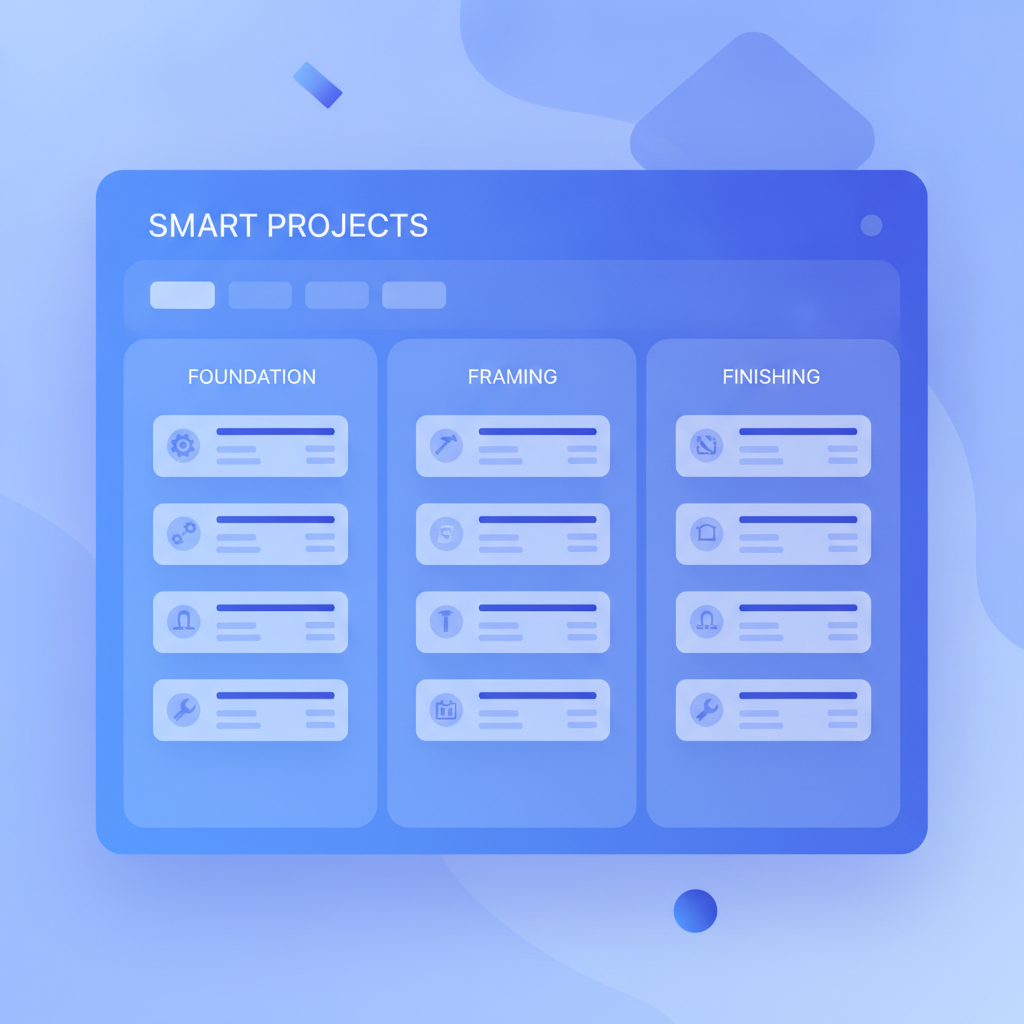
Smart Projects is built for volume. You create a project (say, "Tower Block Phase 2 - Period 6"), upload all the subcontractor and supplier invoices for that billing period as a batch, and Invoscope processes them together, keeping the extracted data organized by project. For a contractor receiving 80 invoices across a two-week billing cycle, this is the mode that eliminates the data-entry backlog entirely.
The extracted data comes out as a structured spreadsheet with fields like vendor name, invoice number, invoice date, due date, subtotal, tax, total, and line items. You can map those fields directly into your project accounting software, whether that is Sage 300 CRE, Procore, QuickBooks, or a custom spreadsheet-based cost tracker. For teams that want to push the data automatically, the accounting software integration guide covers how to connect Invoscope's output to downstream tools via CSV, API, or Zapier.
Accuracy Numbers That Matter for Construction
Construction invoices are not forgiving of extraction errors. A misread retention percentage or a transposed digit on a line-item quantity can cause a payment dispute that delays a subcontractor's cash flow and damages the working relationship. Invoscope publishes a 99.2% field-level accuracy benchmark across its test dataset. For context on how that compares to legacy OCR approaches, the AI invoice OCR accuracy comparison breaks down where template-based and rules-based tools typically fail.
The no-template architecture matters here specifically because construction invoice formats are not standardized. A tool that requires you to build a template for each subcontractor's invoice layout adds setup overhead that simply does not scale when you have 30 different subs, each with their own format.
Construction vs. Other High-Invoice Industries: A Format Comparison
| Industry | Typical invoice volume per month | Format consistency | Key extraction challenges | Invoscope mode recommended |
|---|---|---|---|---|
| Construction (GC) | 50 to 400+ | Very low (each sub has own layout) | Retainage fields, schedule of values tables, multi-page progress claims | Smart Projects |
| E-commerce / Retail | 20 to 200 | Medium (supplier portals vary) | High SKU counts, freight add-ons | Smart Projects or Quick Analyze |
| Logistics | 100 to 500+ | Low (carrier formats differ) | Fuel surcharges, accessorial fees, multi-stop billing | Smart Projects |
| Agencies / Freelancers | 10 to 60 | Medium to high | Project codes, milestone billing | Quick Analyze |
E-commerce businesses face a similar supplier-variety problem, and the approach there translates well to construction. The e-commerce invoice processing case study shows how businesses in that vertical cleared a 20-plus hour monthly backlog using batch extraction, a result construction teams can replicate given the comparable volume and format diversity.
Cost of Not Fixing This
Manual invoice data entry costs between $12 and $30 per invoice when you account for labor, error correction, and payment delays, according to figures cited in the real cost of manual invoice processing analysis. For a contractor processing 150 invoices a month, that lower bound is $1,800 a month in pure processing cost, before counting the cost of a late payment penalty or a lien filing triggered by an invoice that sat in the queue too long.
Invoscope's paid plans start at $9.99 per month, and there is a free tier covering 10 invoices per month with no credit card required, which lets a small subcontractor or a site manager start extracting invoice data today without a procurement conversation.
Practical Steps to Get Started
The setup is deliberately minimal. There are no templates to configure, no field mapping forms to fill out before you can process your first invoice. You upload, Invoscope extracts, you export. For a construction team starting out:
- Create a free account at /register (no credit card needed).
- Use Quick Analyze for your next subcontractor invoice. Check the extracted fields against the original PDF.
- If you are managing a billing period with multiple invoices, create a Smart Project for that period and upload them as a batch.
- Export the combined data to Excel and paste it into your cost tracker or project accounting software.
- For ongoing automation, connect Invoscope's output to your accounting software using the API or a Zapier workflow.
For the broader picture of how invoice automation applies across industries, the finance team invoice workflow guide covers workflow design principles that apply equally well to a construction AP team as to a corporate finance department. And if you want the full industry context, the invoice data extraction methods and best practices pillar covers every extraction approach in depth.
The Bottom Line for Construction Teams
Subcontractor and supplier invoice processing in construction is uniquely difficult because of format variety, multi-page tables, retainage fields, and sheer volume. The tools that work for a single-supplier retail operation often break down when they hit a handwritten concrete delivery docket or a 12-page schedule-of-values claim. Invoscope is built around AI that reads document structure rather than fixed templates, which is why it handles construction invoice formats that would require weeks of configuration in a legacy OCR platform.
The 99.2% accuracy benchmark, the 5-second extraction speed, and the batch processing in Smart Projects combine to replace a process that was previously measured in hours with one measured in minutes, at a price point that makes sense even for a small subcontracting firm.
Start with the free tier and process your next 10 invoices without typing a single field. Create your free Invoscope account and see how fast a billing period can close when the data entry is handled for you.
Related reading: Invoice Automation for Restaurants and Hospitality: Managing Food and Beverage Supplier Invoices