
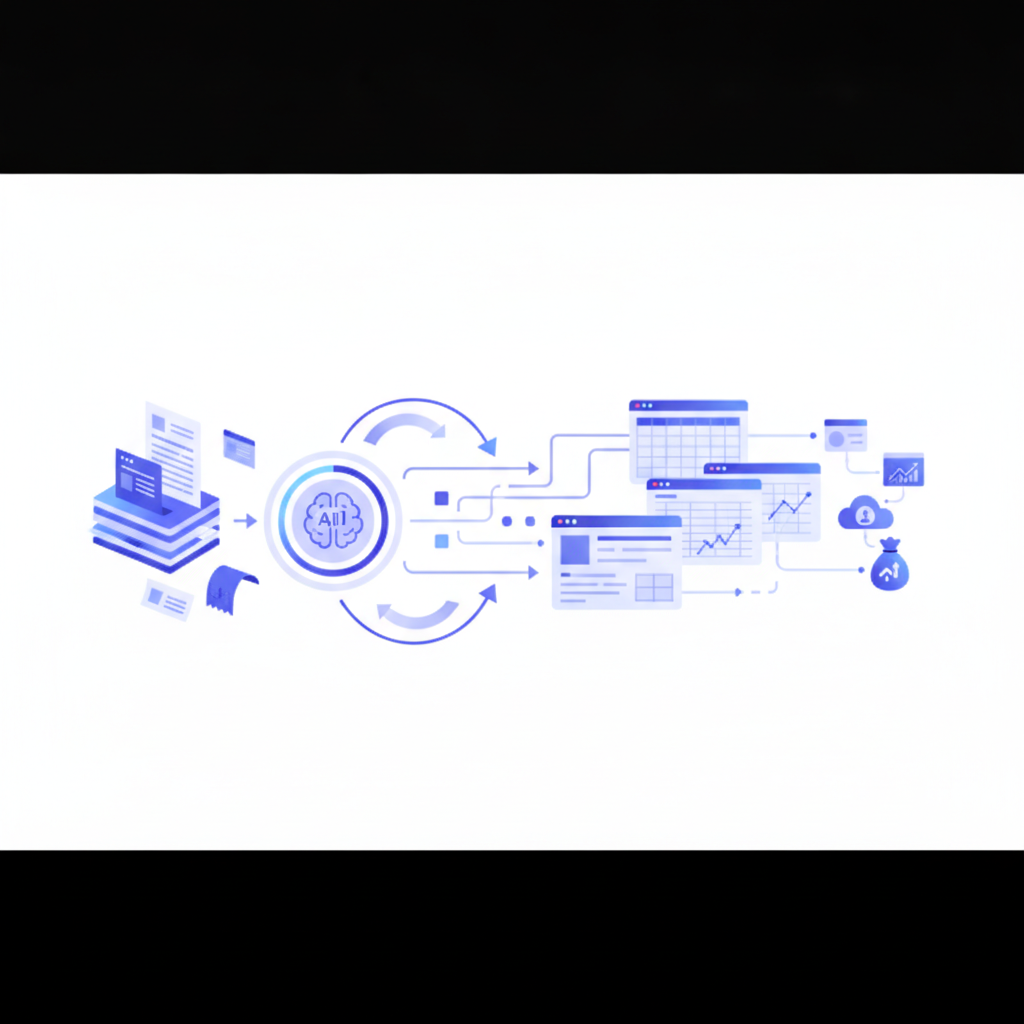
A receipt data extraction tool reads a receipt PDF or image and turns its merchant name, date, line items, tax, and total into structured data you can export. Invoscope is built for invoices rather than receipts, but because receipts share much of the same structure, it handles a large share of receipt formats without any extra configuration, and the free tier lets you check your own receipts before relying on it.
Updated October 2026.
On invoices, Invoscope reaches 99.2% field accuracy in about 5 seconds per document. This article explains how well that carries over to receipts, where it works, and where the limits are.
Invoice vs Receipt: What Is the Difference
An invoice is a request for payment: a seller issues it before payment is made, listing what is owed, by when, and on what terms. A receipt is proof of payment: it is issued after the buyer has paid and confirms what was bought, when, and how it was paid. In short, an invoice says "please pay this", a receipt says "this has been paid".
That difference in purpose explains the difference in content. Invoices usually carry an invoice number, buyer details, a due date, and payment terms. Receipts usually carry a transaction time, a payment method, and sometimes a card reference, but often no buyer details at all.
Receipts vs. Invoices: How Different Are They, Really?
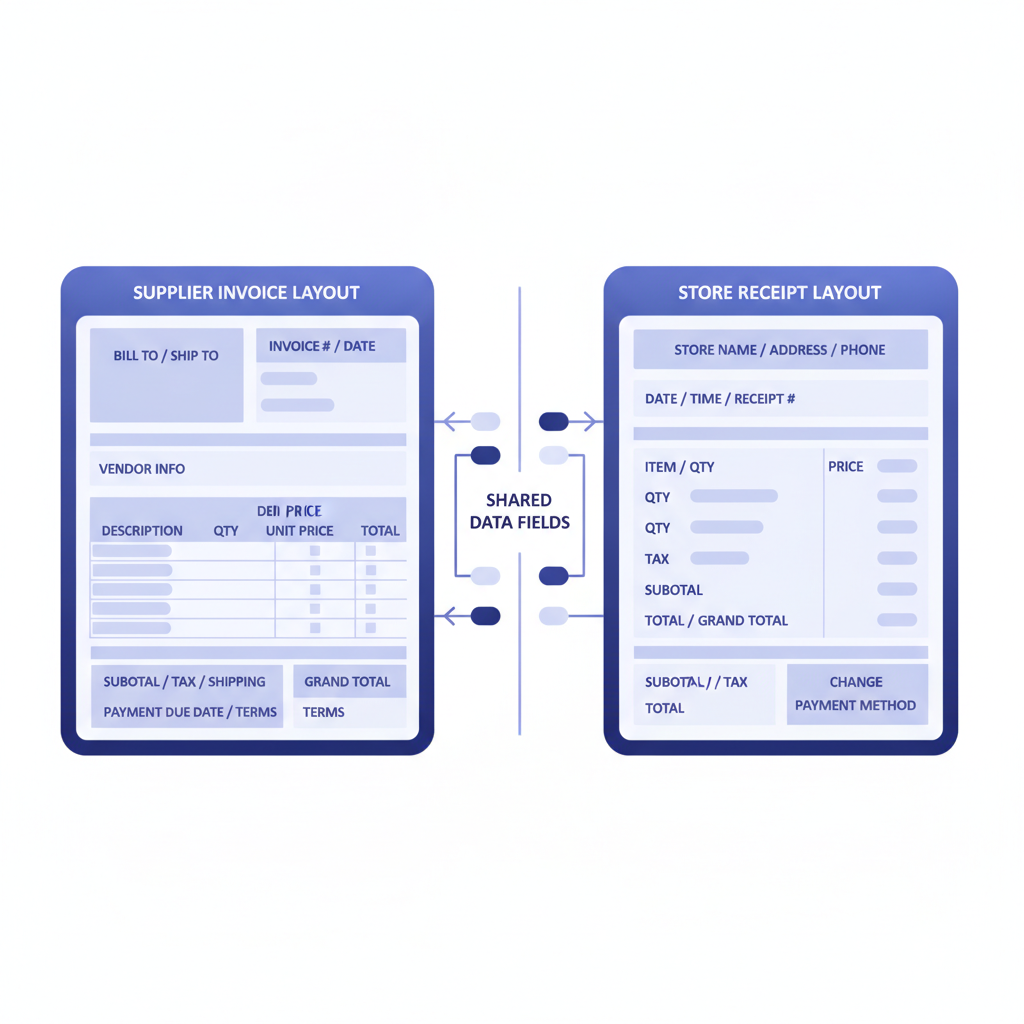
At first glance, a retail receipt and a supplier invoice look like different documents. One comes from a point-of-sale printer; the other arrives as a formatted PDF from a vendor. But the underlying data fields overlap heavily. Both documents carry a date, a seller name, line items with descriptions and amounts, tax figures, and a grand total. That overlap is why an AI model trained on invoices generalises reasonably well to receipts.
The differences that do exist come down to formatting and completeness. Receipts often lack a formal invoice number, a buyer address, or payment terms. They may arrive as low-resolution JPEGs from a phone camera rather than as clean PDFs. Some receipt layouts are very compressed, with little white space separating fields. These factors affect any extraction tool, not just Invoscope. If your receipts are still on paper, the guide on how to digitize paper invoices covers scanning practices that apply equally well to receipts.
What Invoscope Extracts from a Typical Receipt
When you drop a receipt PDF into Invoscope's Quick Analyze mode, the AI reads the document and maps every recognisable field to a structured output. For most receipts you can expect the following fields to be captured cleanly:
- Merchant or vendor name
- Transaction date
- Individual line items with descriptions and unit prices
- Subtotal, tax, and total amount
- Payment method (where printed on the receipt)
- Receipt or reference number (where present)
Fields that invoices normally carry but receipts often omit, such as buyer address, purchase order number, and payment due date, will simply be blank in the export. That is expected behaviour, not an error.
Quick Analyze vs. Smart Projects for Receipt Workflows
Invoscope has two modes, and the choice matters when you are processing receipts at any volume.
Quick Analyze is the one-click option. Upload a receipt, get a structured Excel row back in roughly 5 seconds. It is ideal if you are processing a handful of expense receipts and need the data immediately. No templates, no training, no setup.
Smart Projects, on the other hand, lets you batch-process a folder of documents and export them all into a single consolidated spreadsheet. If you receive dozens of supplier receipts every month, grouping them in a project keeps the outputs organised and consistent. You can read more about the batch workflow in the guide to batch processing invoices.
| Feature | Quick Analyze | Smart Projects |
|---|---|---|
| Best for | One-off receipts, spot checks | Recurring receipt batches |
| Setup required | None | Name a project, done |
| Output format | Single-document Excel or CSV | Consolidated multi-document Excel |
| Typical speed | About 5 seconds per document | Parallel processing at the same per-doc speed |
| Ideal receipt volume | 1 to 10 per session | 10 to hundreds per month |
Where Receipt Extraction Works Well
Invoscope handles receipts most reliably when the source document meets a few conditions:
PDF format with readable text. Receipts that were emailed to you as a PDF, generated by an e-commerce platform, or exported from a POS system generally extract with the same accuracy you would expect from an invoice. The AI reads the text layer directly, so there is no degradation from image quality.
Standard retail or restaurant receipts. A receipt from a hardware supplier, a cloud software vendor, or a business travel booking tends to look very similar to a vendor invoice. These extract well.
Expense receipts for reimbursement tracking. Freelancers and finance teams who need to pull merchant, amount, and date from a collection of expense receipts find that Invoscope handles this without any extra configuration.
Where You May See Limitations
Not every receipt scenario is ideal. Being direct about the limits is more useful than overpromising.
Low-resolution phone photos. Invoscope accepts image uploads, but a blurry or skewed photo of a paper receipt will reduce extraction confidence. If you can scan the receipt as a clean PDF, accuracy improves noticeably.
Very long thermal receipt rolls. Some POS receipts run to 30 or 40 lines of itemised products. Invoscope captures line items, but extremely dense layouts with no clear visual separation can occasionally cause a merged or missed row. Reviewing the output before using it downstream is always good practice.
Handwritten receipts. Fully handwritten receipts are a known limitation for any AI extraction tool. Invoscope is optimised for printed or digital documents.
For background on how the underlying technology reads documents in the first place, see what invoice OCR is and how it works. For a broader view of the accuracy question across document types, the invoice data extraction methods guide covers how AI models handle variation in document structure.
How the Free Tier Lets You Test This at Zero Risk
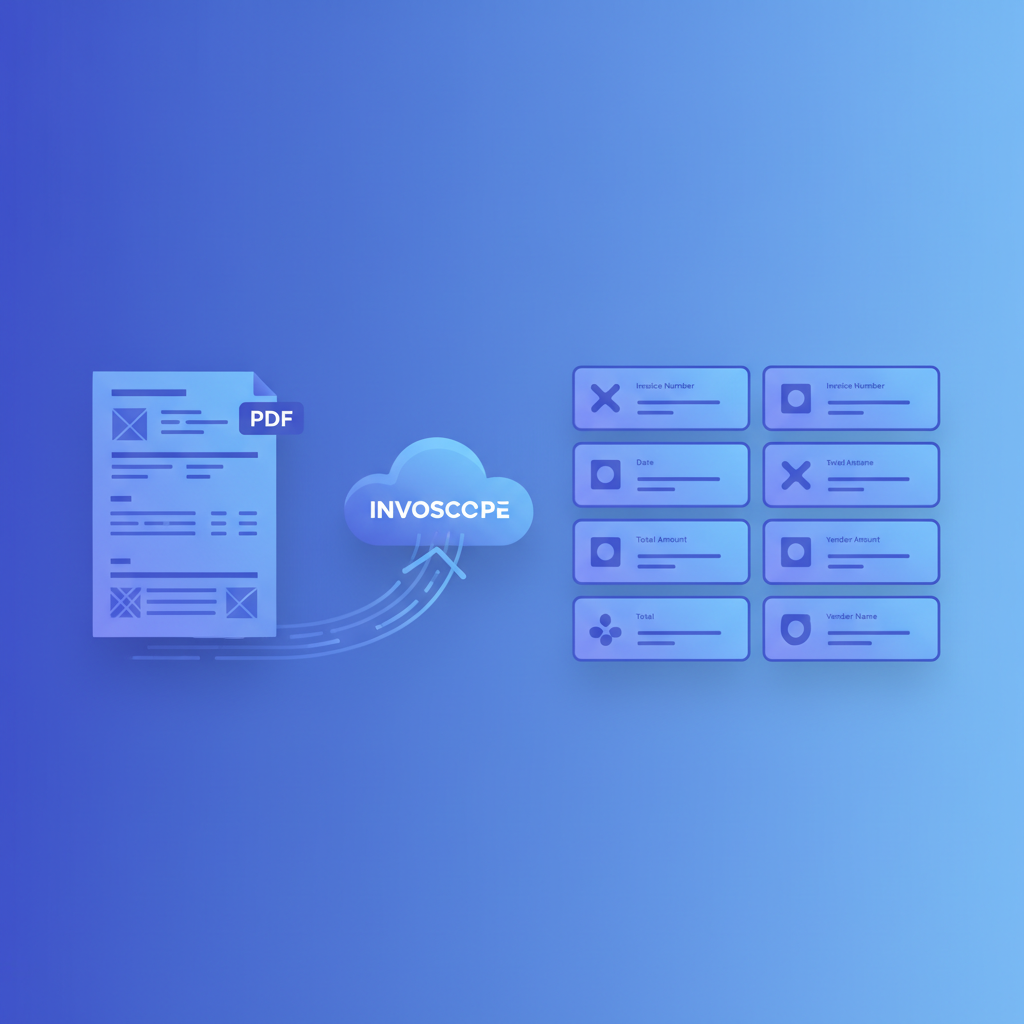
Invoscope's free tier includes 10 documents per month with no credit card required. That means you can upload 10 of your actual receipts right now and see exactly what the output looks like before spending a cent. If the results meet your needs, paid plans start at $9.99 per month. If receipts are only an occasional need alongside your main invoice workflow, the free tier may cover them entirely.
This is worth emphasising because most OCR and document parsing tools require a paid signup or a sales call before you can test real documents. With Invoscope you can validate the receipt extraction quality against your own files in a few minutes.
Invoscope's Core Strength Is Still Invoices
This article would be misleading if it implied Invoscope is a dedicated receipt scanning app. It is not. Invoscope is built specifically around invoice intelligence: converting vendor invoices, supplier bills, and purchase documents from PDF to structured Excel data. The 99.2% accuracy figure and the no-template workflow are proven on invoice formats.
Receipts benefit from the same underlying AI model because the document structures overlap, but if your primary need is expense receipt management at scale, you should test your specific formats before committing to any tool. The 10 free extractions exist precisely for this kind of evaluation.
If you process a mix of invoices and receipts, the good news is that Invoscope handles both in the same interface, with the same workflow, and outputs everything to the same Excel format. There is no need to maintain two separate tools for two document types that differ mostly in label rather than structure.
A Practical Starting Point
If you are already using Invoscope for invoices and wondering whether to route your expense receipts through it as well, the answer is: try it on your next batch. The free tier removes any financial reason not to. If your receipts are digital PDFs from vendors or e-commerce platforms, expect results close to what you see with invoices. If they are phone photos of paper receipts, scan them first and you will get cleaner output.
For teams that handle both document types regularly, keeping everything in one extraction workflow, rather than jumping between tools, saves time and keeps your exported data consistent.
Frequently Asked Questions
What is the difference between an invoice and a receipt?
An invoice requests payment and is issued before the buyer pays, while a receipt confirms payment and is issued after. Invoices typically include an invoice number, due date, and payment terms; receipts typically include the transaction date, amount paid, and payment method.
Can OCR read receipts?
Yes, OCR can read receipts, and AI-based extraction can also turn that text into structured fields like merchant, date, line items, tax, and total. Results are best on clean PDFs or sharp scans; blurry phone photos, dense thermal rolls, and handwritten receipts reduce accuracy for any tool.
Can Invoscope extract data from receipts?
Often yes: Invoscope handles a large share of receipt formats without extra configuration, because receipts share most of their fields with invoices. It is built and benchmarked for invoices, not as a dedicated receipt scanning app, so the 99.2% accuracy figure applies to invoices. Test your own receipts on the free tier (10 documents per month, no credit card) before relying on it at volume.
Ready to test it on your own receipts? Create your free Invoscope account and run your first 10 extractions without a credit card.
Related reading: What Is Invoice Line-Item Extraction and Why It Is the Hardest Part of Invoice OCR
Related reading: What Is Intelligent Document Processing? A Plain-English Guide for SMBs